





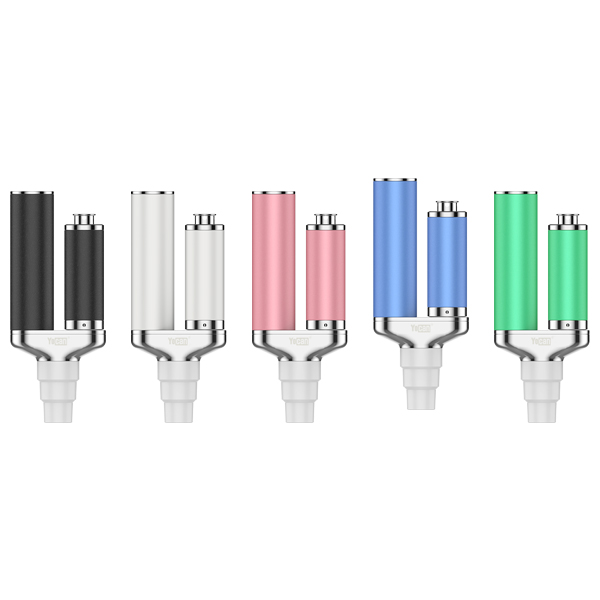
 Sample
 Yocan® U.S.A. Official Store
 Yocan® Canada Official Store
 Yocan Black® Official Store
Industry News, News
Why Do Some 510 Batteries Use Five-Click Controls?
Yocan and other manufacturers use different button designs to make portable electronic devices easier to operate. One common feature is the five-click control, which allows users to turn a device on or off by pressing the power button five times within a short period. But why do some 510 batteries use this type of control instead of a simple single-click switch? The answer lies in user interaction, accidental activation, and practical device design.
What Is a Five-Click Control on a 510 Battery?
A five-click control is a button input method that requires five consecutive clicks within a specified time limit. On compatible devices, this command turns the device on or off. Unlike a single press, which may trigger an immediate response, five-click control requires a deliberate sequence of actions. The device recognizes the input when the required number of clicks is registered within the designated time window.
The exact timing and button functions can vary between models. Some devices may also use different click sequences for other functions. Therefore, users should always check the manufacturer’s instructions before operating a new device.
Why Do Manufacturers Use Five-Click Controls?
There are several reasons why manufacturers choose multi-click controls for portable electronic devices.
- Reduce Accidental Activation
Portable devices are often stored in pockets, bags, or cases where their buttons may come into contact with other objects. A single accidental press can be easier to trigger than a sequence of deliberate clicks. Five-click control adds an extra step before the device changes its power state. This can reduce the likelihood of accidental activation caused by brief or unintended button presses.
However, it should not be considered a complete safety guarantee. Proper storage and following the manufacturer’s instructions remain important. - Make Button Inputs More Intentional
A multi-click sequence helps distinguish a deliberate command from an ordinary touch. For example, when a device requires five clicks within a specific time window, a single press or a few scattered clicks will not normally complete the command. This creates a clearer distinction between intentional operation and incidental contact.
The design is particularly useful for compact devices that have limited space for separate physical controls. - Keep the Control Layout Simple
Adding a separate power switch can increase the number of physical components and affect the overall layout of a compact device. A multi-click system allows manufacturers to assign an on/off command to an existing button. This can help keep the external design simple without requiring an additional dedicated switch.
The actual benefits depend on the device’s design and control system.
How Does Yocan Black Pocket Mini Use Five-Click Controls?
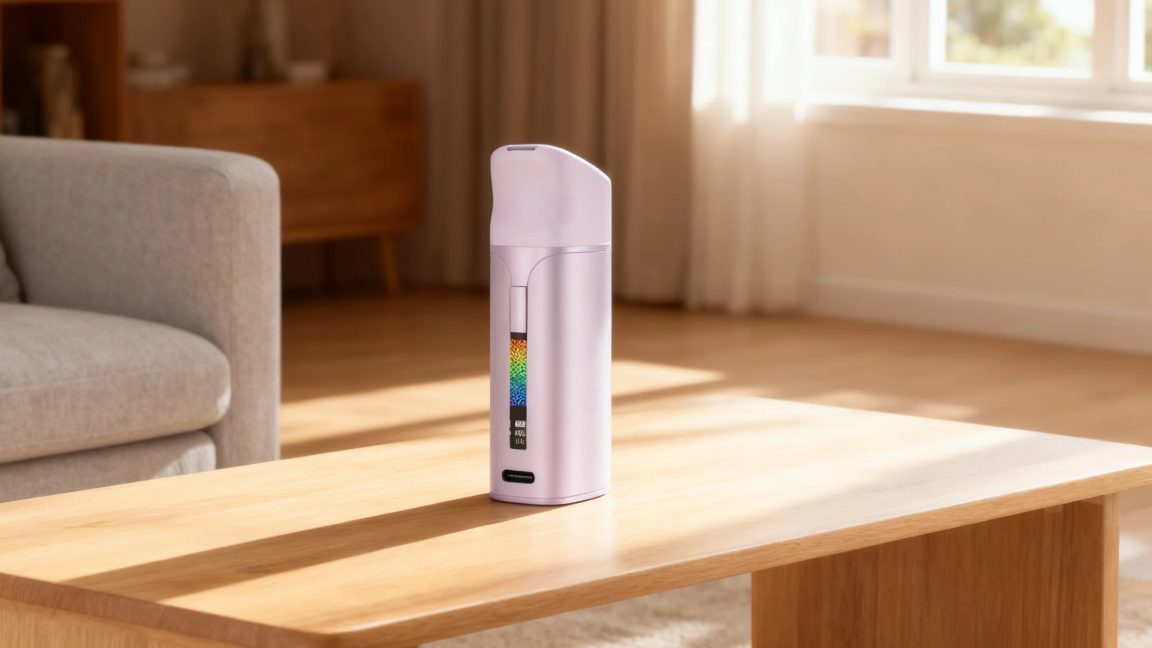
Yocan Black Pocket Mini uses a five-click control for its power function, providing a straightforward way to turn the device on and off. According to its operating instructions, users can turn Pocket Mini on or off by quickly clicking the power button five times within two seconds. The sequence must be completed within this time limit for the command to register.
This design keeps the basic power operation accessible through the device’s existing button. Instead of requiring a separate power switch, Pocket Mini uses a timed button sequence to manage its on/off function. For users learning how the device works, understanding this control method can help prevent confusion during initial operation. Following the specified timing is especially important because a slower sequence may not be recognized.
As with any electronic device, users should refer to the official Pocket Mini instructions for the correct operating procedure and other device-specific functions.
Frequently Asked Questions
No. Button controls vary between models and manufacturers. Some devices use five clicks to turn the power on or off, while others may use different input methods. Always consult the instructions for the specific model.
The clicks may be too slow, or the required sequence may not be completed within the device’s specified time window. Button behavior can also differ between models. Check the user manual for the correct procedure before troubleshooting further.
No. It can reduce the chance of unintended activation caused by brief button contact, but it does not eliminate every possible risk. Follow the manufacturer’s storage and operating recommendations.
Final Thoughts
Five-click control is a practical design choice for compact electronic devices. By requiring a specific sequence of button inputs, it can help reduce accidental activation while keeping the control layout simple. Yocan Pocket Mini applies this approach through a clearly defined procedure: five quick clicks within two seconds to turn the device on or off. Understanding how this mechanism works makes the device’s controls easier to recognize and use correctly.
To learn more about Yocan products and their features, visit the official Yocan website.