
 Sample
 Yocan® U.S.A. Official Store
 Yocan® Canada Official Store
 Yocan Black® Official Store
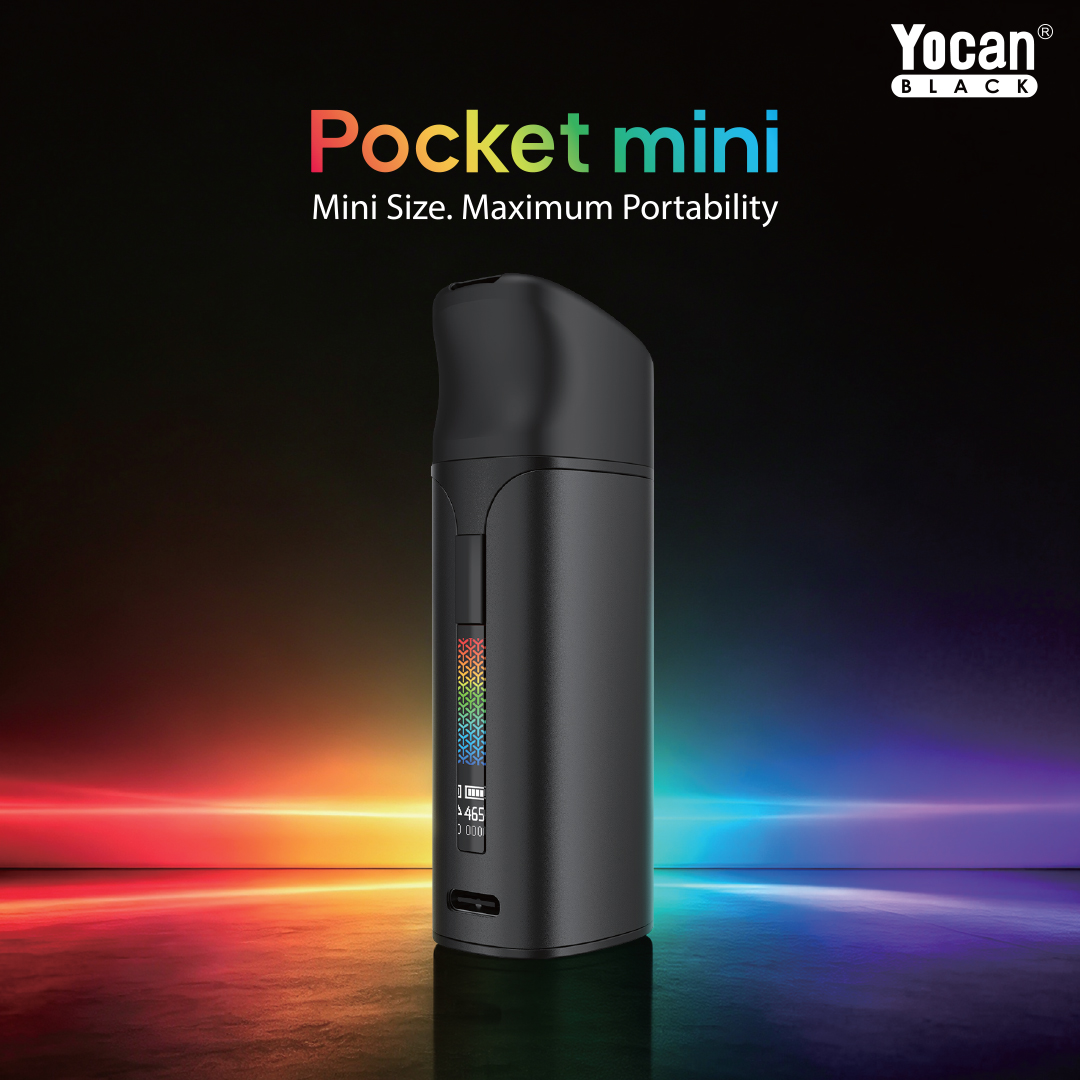
Yocan Black Pocket Mini Features

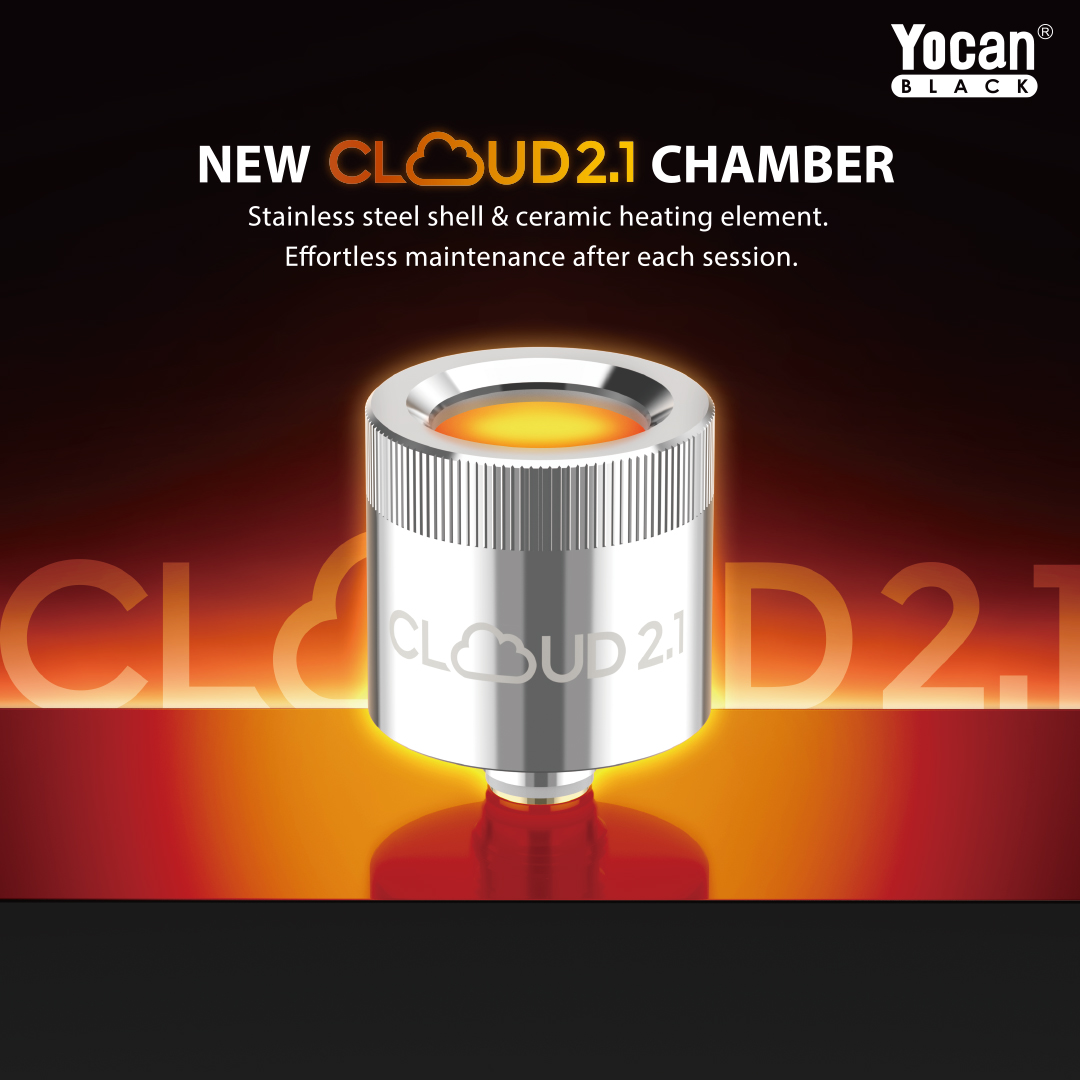
Cloud 2.1 Chamber
Advanced 360°, Ceramic Heating.
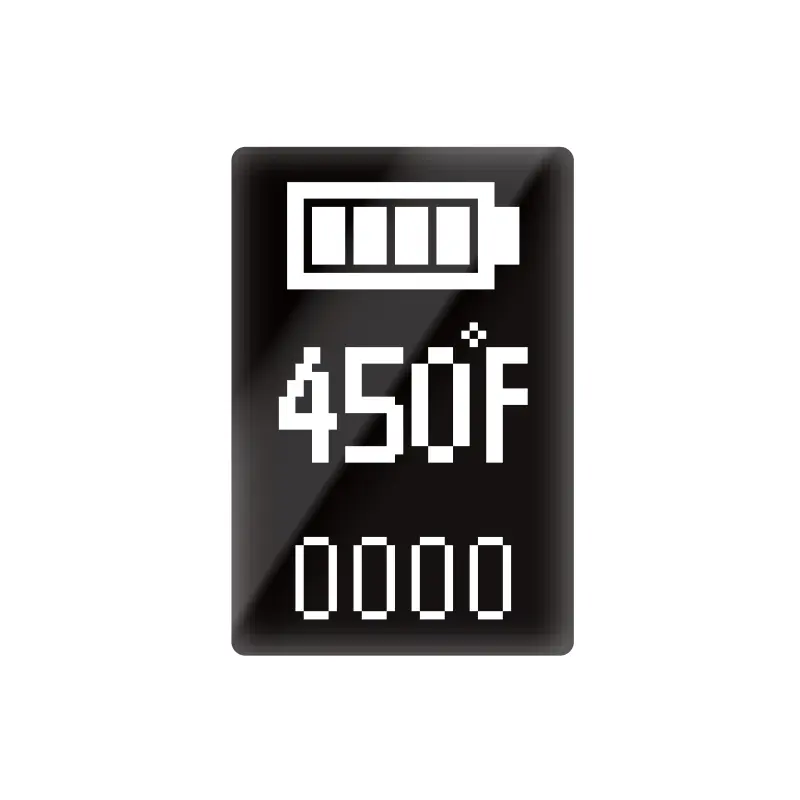
OLED Display
Real Time Feedback

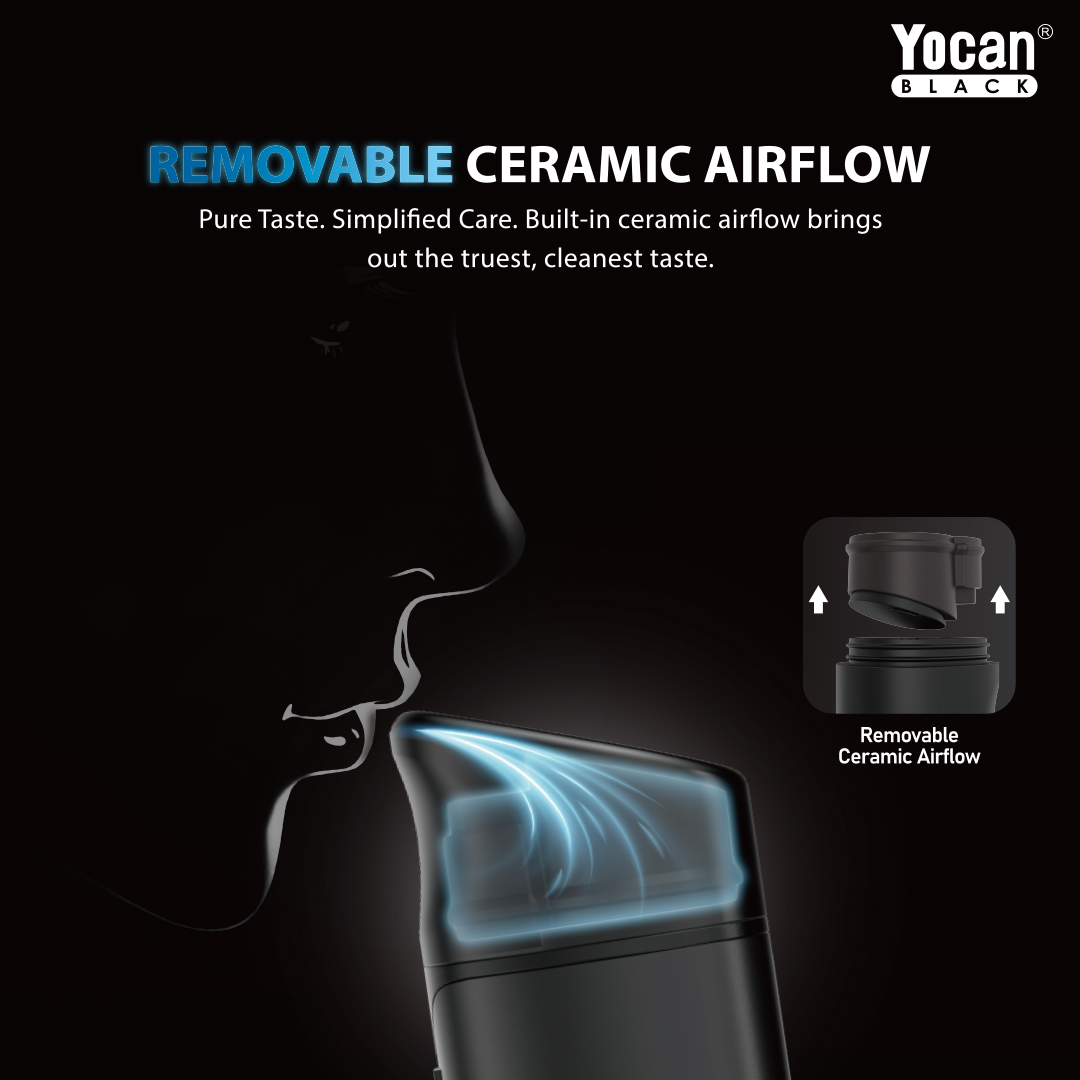
Ceramic Airflow
Smooth & Efficient Vapor.

5°F Precision Control
Fine Temperature Adjustment.
1300mAh
Battery
Type-C
Charging Cable
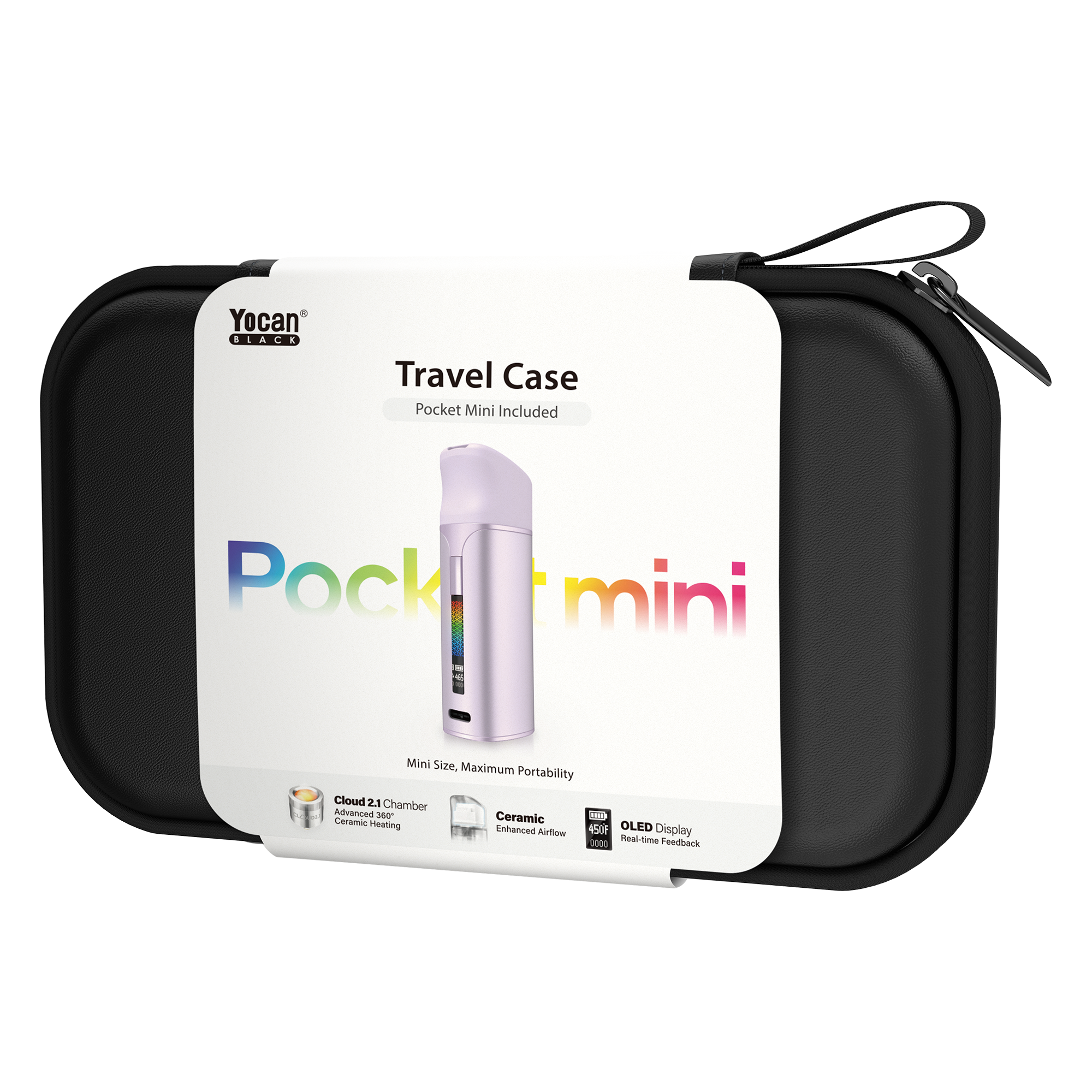
Travel Case
Travel Light, Vape Right.(Travel case/Edition sold separately.)

400°F-580°F
Precision Temp Control
Yocan Black Pocket Mini Colors
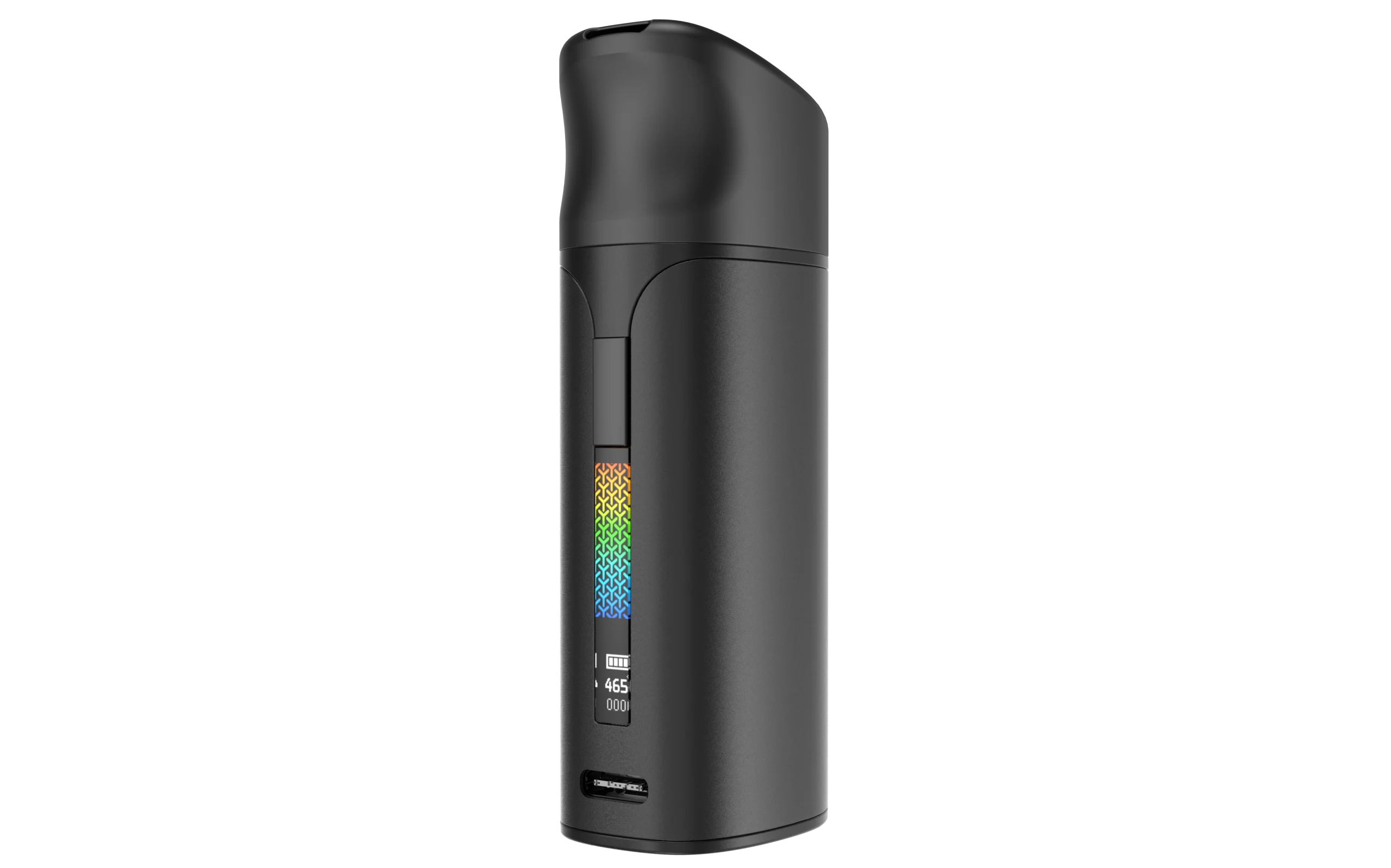
Black
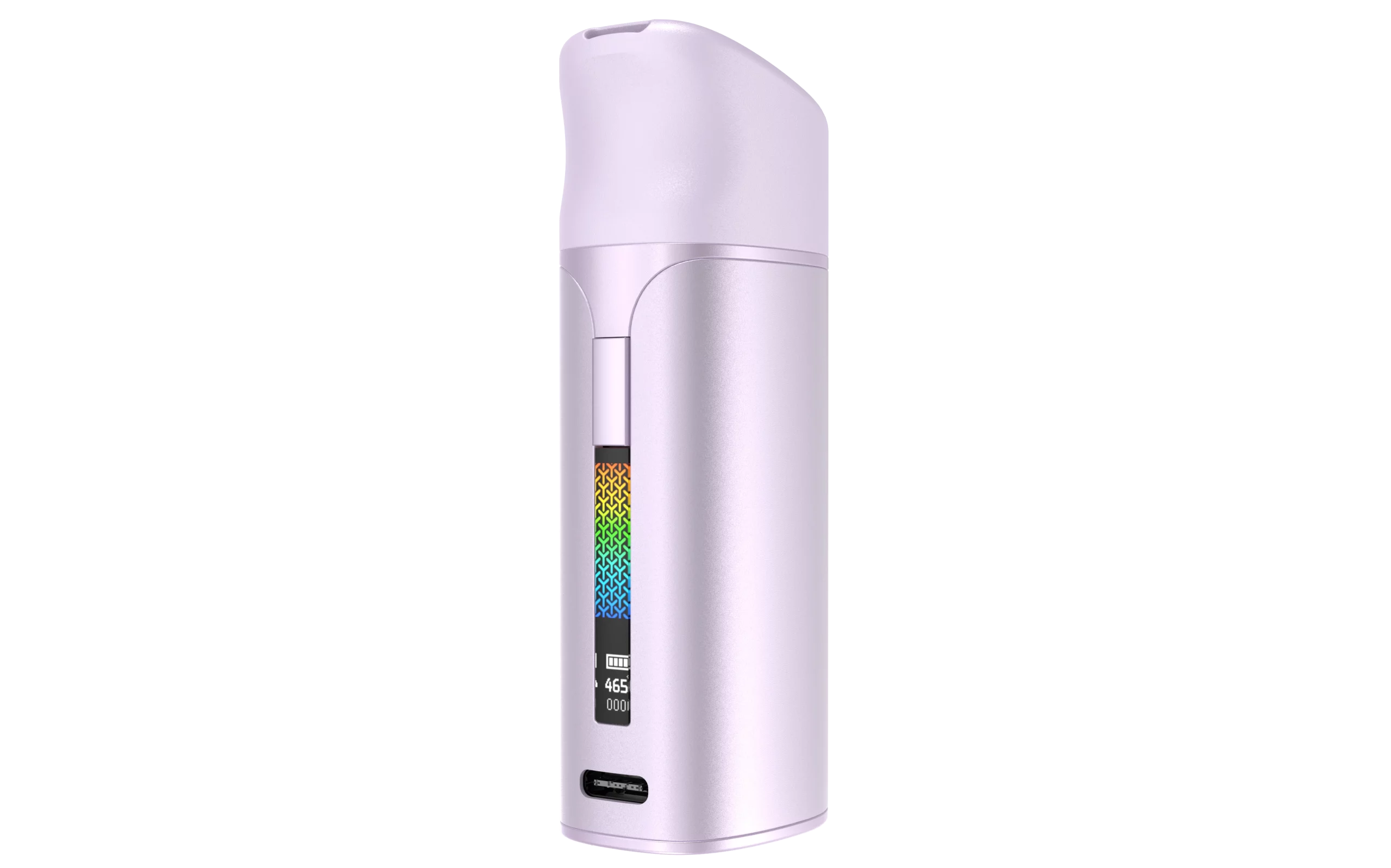
Purple
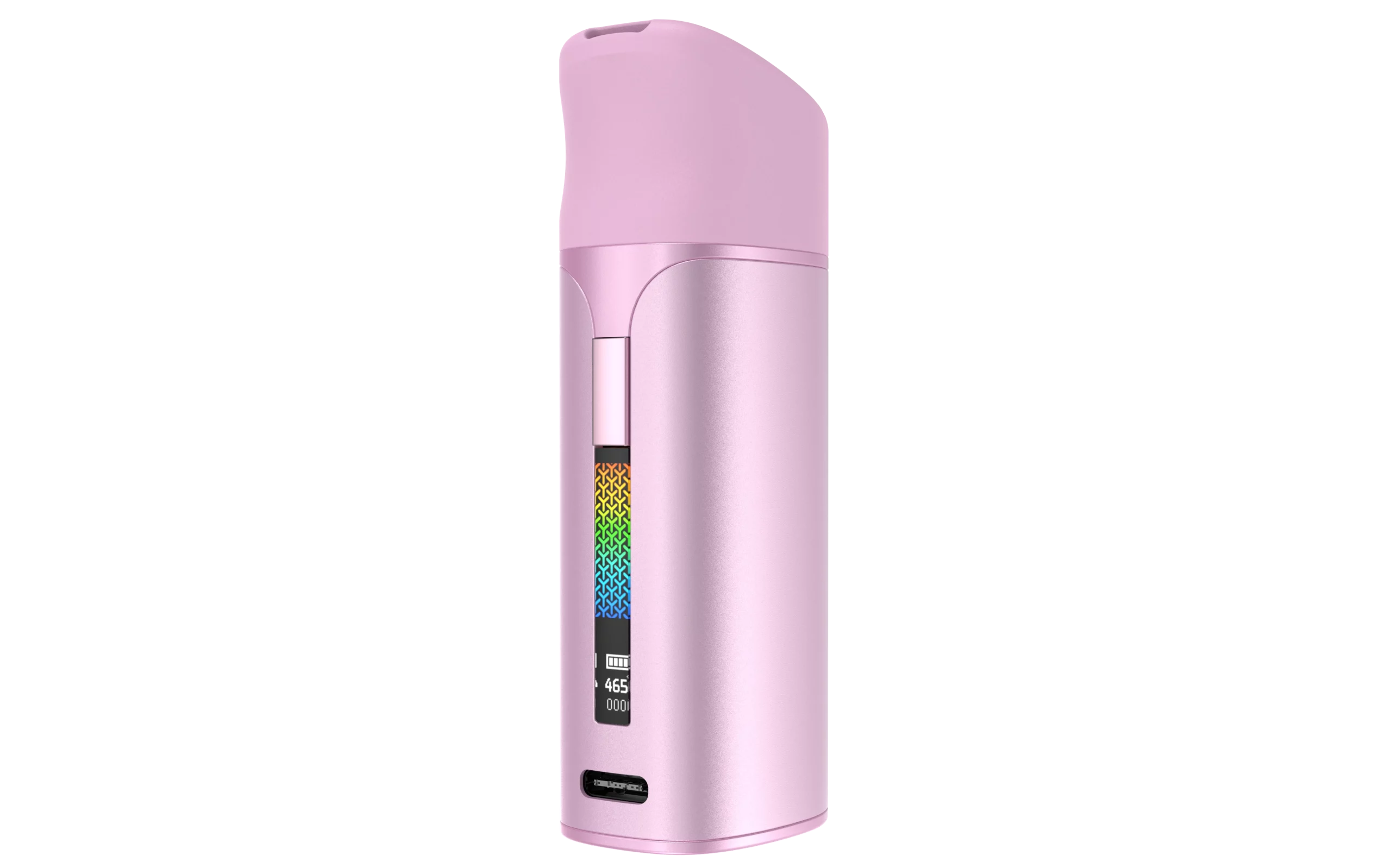
Pink
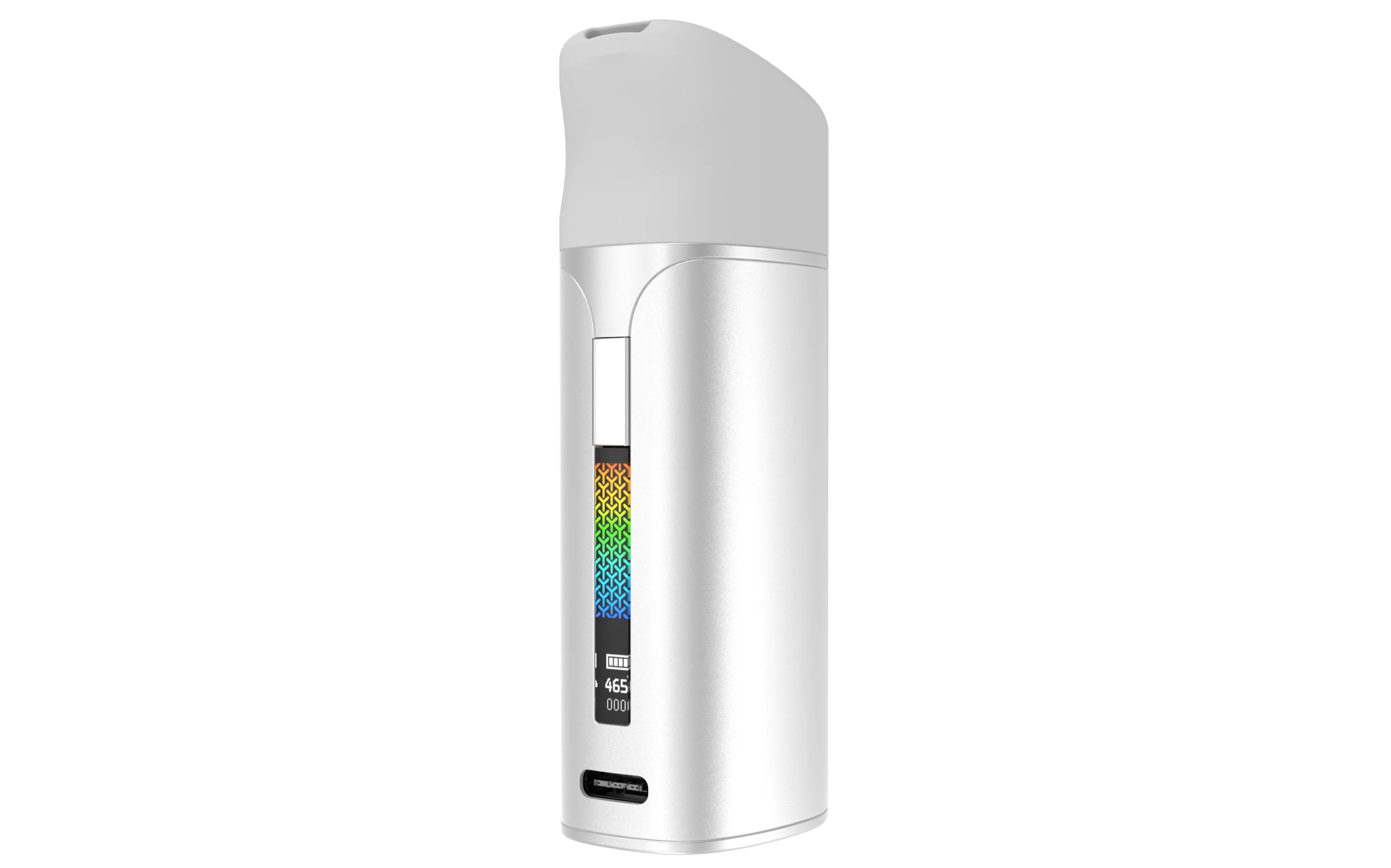
Silver
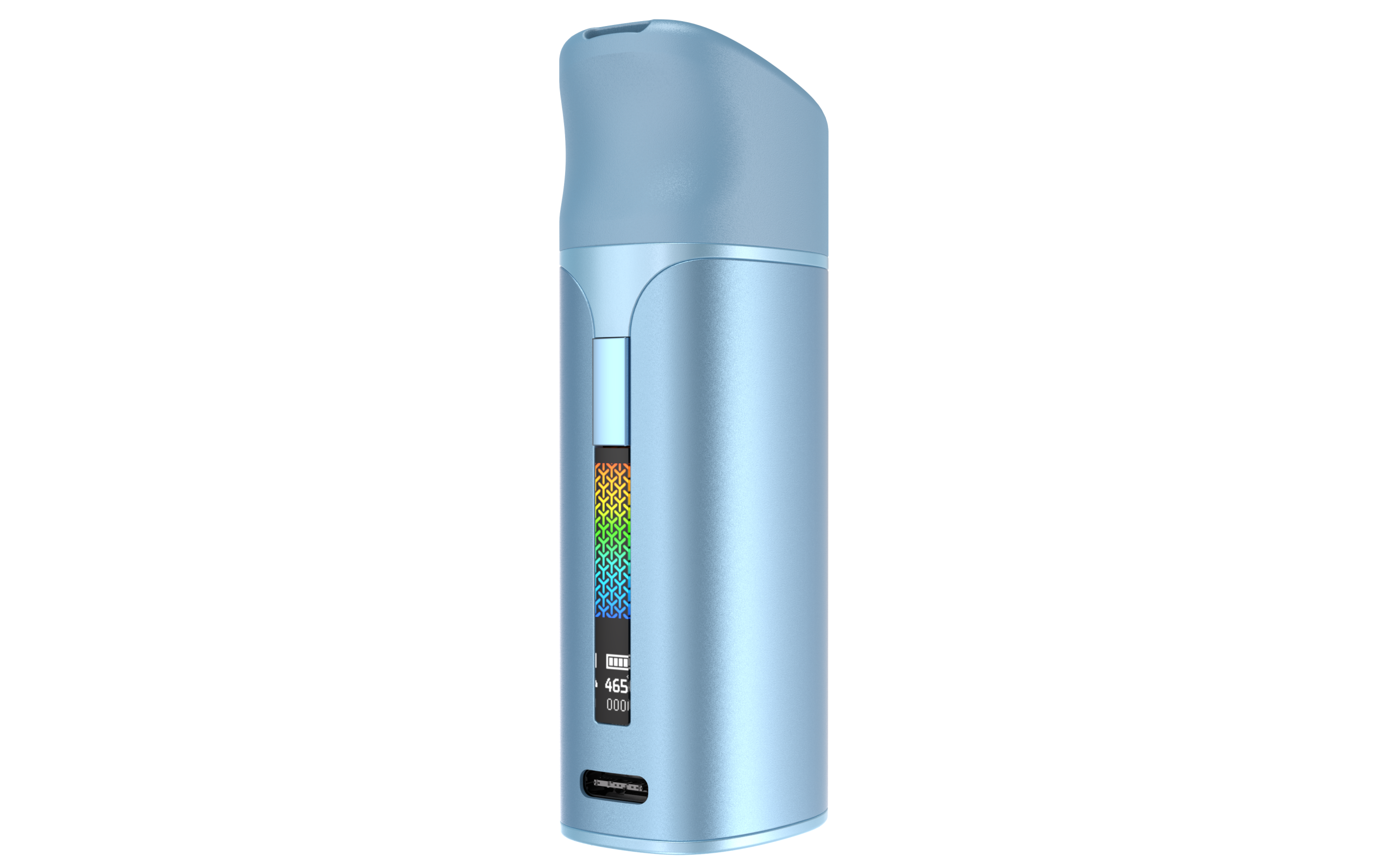
Blue
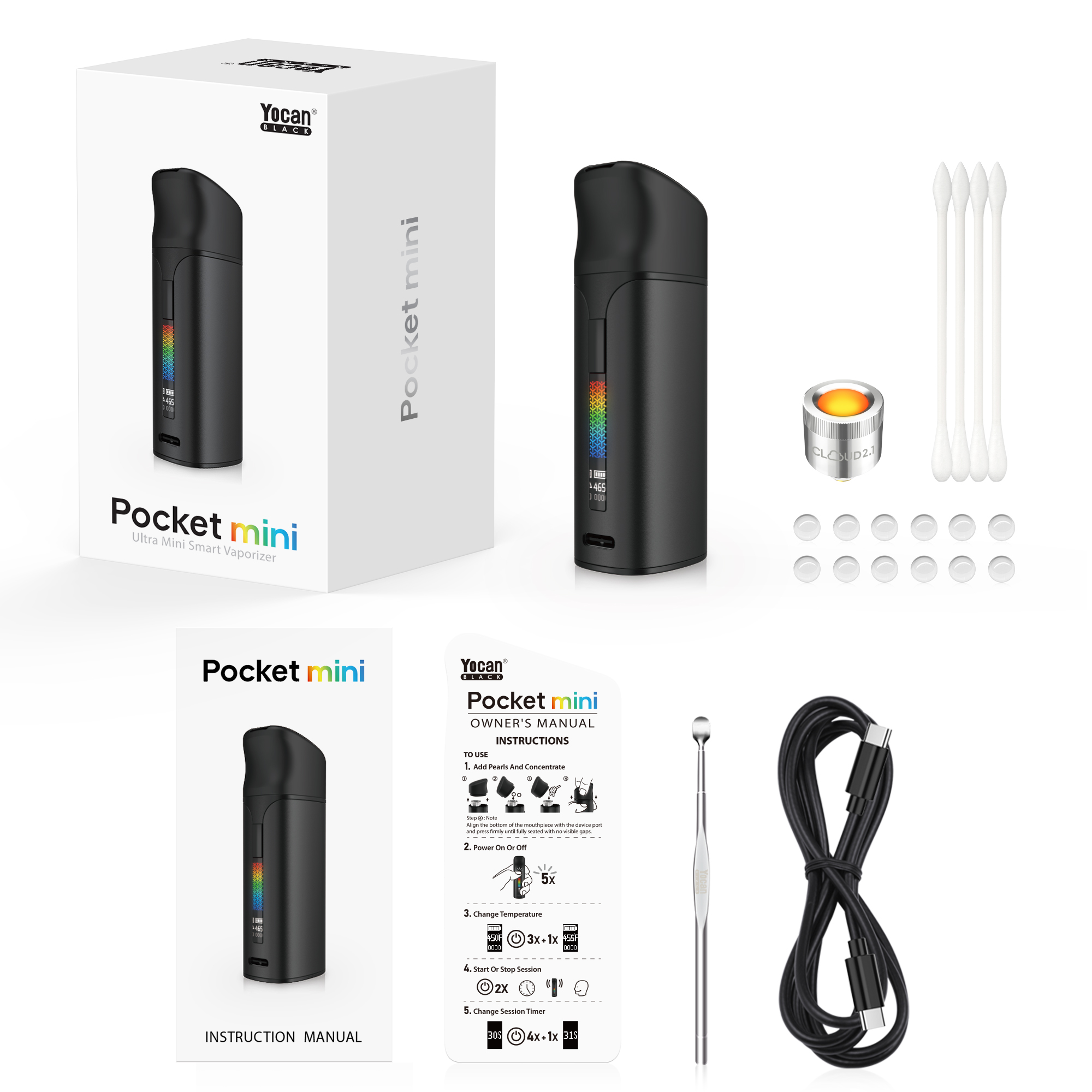
Yocan Pocket Mini Packaging
1x Pocket Mini(Cloud 2.1 Chamber Pre-installed)
1x USB-C Cable
1x Pick Tool
1x Owner’s Manual
1x Instruction Manual
4x Q-tips
12x Terp Pearls
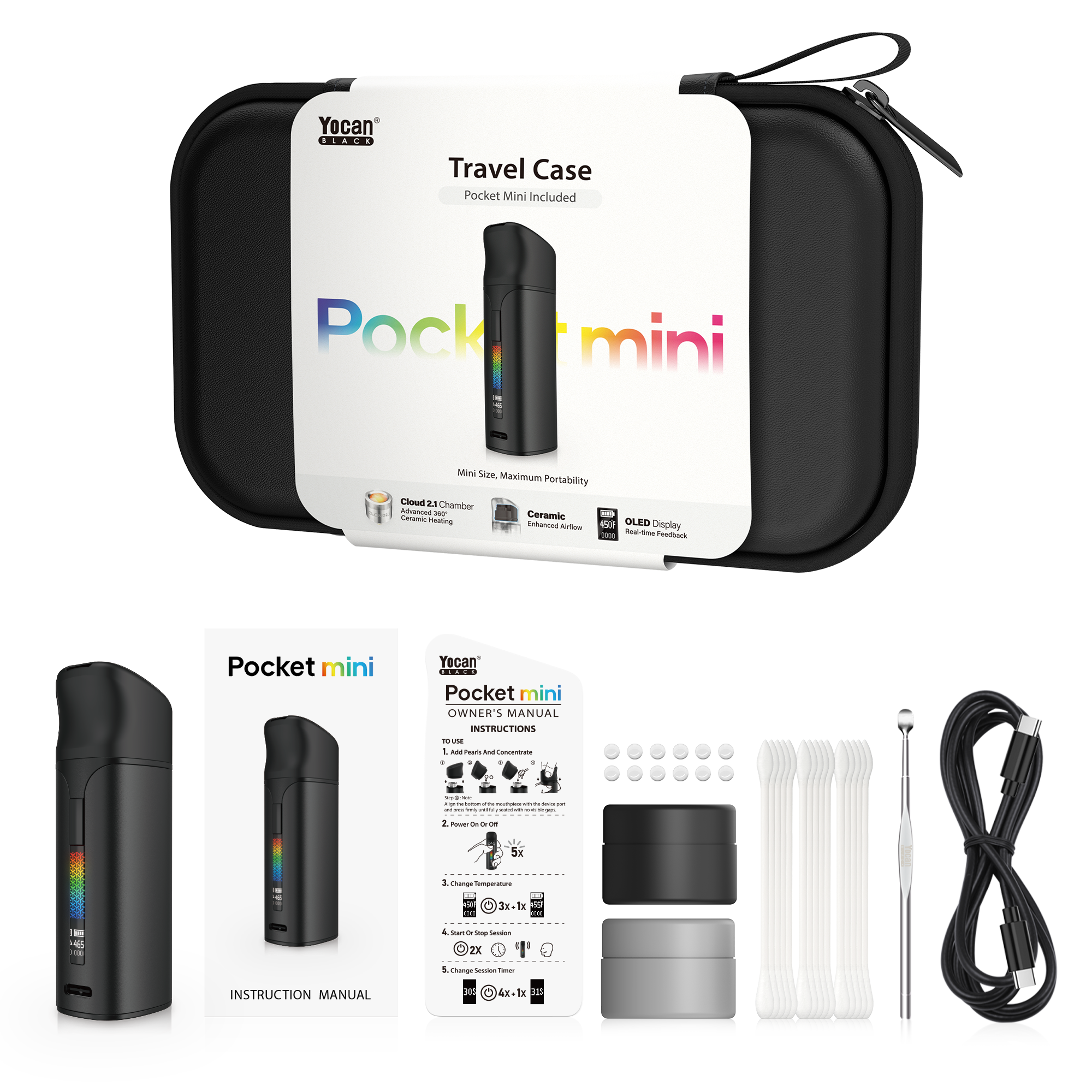
Yocan Black Pocket Mini Travel Case
1x Pocket Mini (Cloud 2.1 Chamber Pre-installed)
1x Instruction Manual
1x Owner’s Manual
12x Terp Pearls
2x Silicone Jar
15x Q-tip
1x Pick Tool
1x USB-CCable
Yocan Black Pocket Mini FAQs
Set up
1. Power On: Use the included tool to place a small amount of concentrate into the heating chamber, then press the power button 5 times in quick succession to turn on the device.
2. Temperature Adjustment: Press the power button 3 times in quick succession to enter temperature adjustment mode. Each subsequent press increases the temperature by 5°F; release the button to confirm.
3. Preheating: Press the power button twice in quick succession to start preheating. The device will vibrate once when preheating begins, once when preheating is complete, once during a 30-second session, and once more when the session ends.
4. Adjusting Duration: Press the power button four times in quick succession to enter duration adjustment mode. Each subsequent press increases the usage time by 1 second.
For first-time use, start at a lower temperature and gradually adjust based on your personal preference and the concentrate type.
It can be used; the Cloud 3.1 coil is also compatible.
Maintain
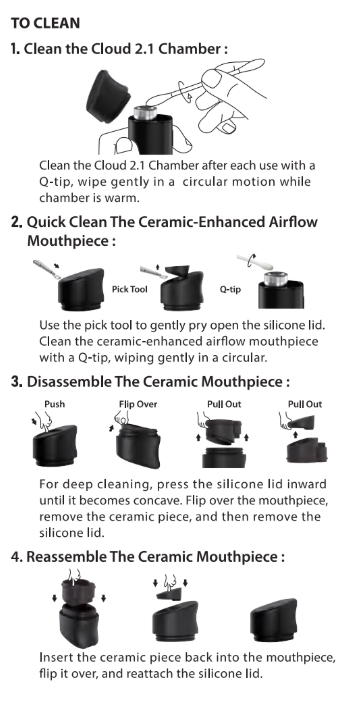
Turn off the device and let it cool. Clean the Cloud 2.1 Chamber and ceramic airflow with an ISO cleaning swab. For deep cleaning, remove the silicone cover and ceramic component as instructed in the manual. Make sure all parts are completely dry before reassembly.
The device uses USB Type-C charging. Use the supplied charging cable and a compatible power adapter.
Support
Click: Yocan Black Pocket Mini User Manual to download
Enjoy peace of mind with a one-year warranty on devices and a three-month warranty on coils.
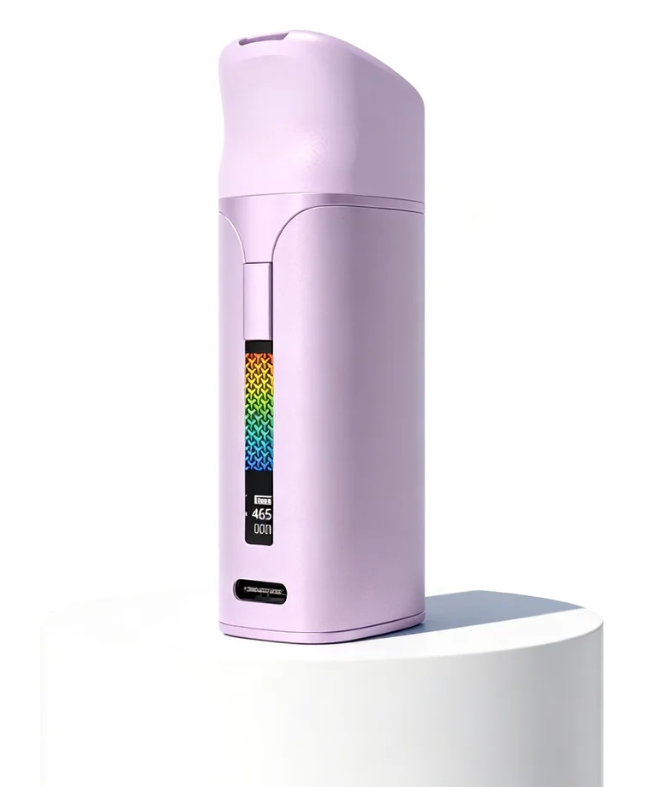
Ready to Experience
Yocan Pocket Mini
Compact design. Powerful performance.
Upgraded features for a better experience.