

 Sample
 Yocan® U.S.A. Official Store
 Yocan® Canada Official Store
 Yocan Black® Official Store
Industry News, News
How to Read Cart Battery Specifications Before Buying
Choosing a cart battery involves more than comparing prices or looking at product designs. Specifications such as battery capacity, voltage range, thread type, and charging interface can affect compatibility and everyday usability.
However, these numbers are not always easy to understand at first glance. Knowing what each specification means can help you compare different models and find a cart battery that meets your needs.
Battery Capacity: What Does mAh Mean?
Battery capacity is usually measured in milliampere-hours (mAh). This value indicates how much electrical charge a battery can store. In general, a higher mAh rating means a battery can store more charge. However, it does not guarantee a specific amount of operating time. Actual battery life also depends on power consumption, usage frequency, output settings, and other design factors.
When comparing cart batteries, consider both capacity and device size. A compact battery may prioritize portability, while a model with a larger battery may offer more stored energy.
It is also important to distinguish battery capacity from charging speed. A higher mAh rating does not automatically mean a battery charges faster.
Voltage Range: What Do the Numbers Tell You?
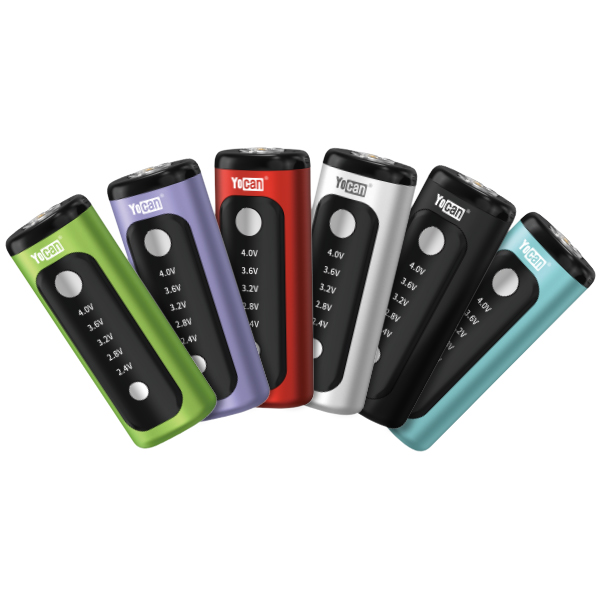
A cart battery’s voltage range describes the output voltage settings available on the device. Some models provide a fixed output, while others allow users to select from multiple voltage settings. The available range can help you understand how much control a device offers. However, a wider range does not automatically make one battery better than another. Compatibility matters, too. The appropriate settings depend on the connected cartridge and the manufacturer’s specifications. Always follow the recommended operating range for your specific device and cartridge.
When reading a product page, check whether it lists a fixed voltage, several preset levels, or an adjustable range. These details provide a clearer picture of the device’s capabilities than a single voltage number alone.
Thread Type and Cartridge Compatibility
Thread type is another important specification to check before buying a cart battery. Many cartridge batteries use a 510-thread connection, a widely used connection standard in this product category. However, matching thread types does not necessarily guarantee that every cartridge will fit every battery. Physical dimensions can also matter. A cartridge may have a compatible connection but still be too wide or too tall for a particular device’s housing.
Some batteries feature adjustable cartridge-height mechanisms or designs that accommodate different cartridge sizes. These features can make a difference when evaluating physical fit. Before purchasing, check the listed thread type, supported cartridge dimensions, and any compatibility information provided by the manufacturer. Do not assume that all cartridges are interchangeable simply because they use the same thread standard.
Charging Port and Charging Specifications
The charging interface tells you how a cart battery connects to a power source. USB-C is one example of a charging interface used in modern electronic devices. However, the connector alone does not tell you everything about charging performance. Charging time can depend on the device’s supported input specifications, battery capacity, charging circuitry, and power source.
When reviewing a product page, look for the following details:
- Charging interface: Check whether the device uses USB-C or another connector.
- Input rating: Review the supported voltage and current, if listed.
- Charging time: Check whether the manufacturer provides an official estimate.
- Charging instructions: Follow the recommended power source and charging procedure.
Avoid assuming that a device supports fast charging simply because it has a USB-C port. The manufacturer’s specifications provide the most reliable information about supported charging conditions.
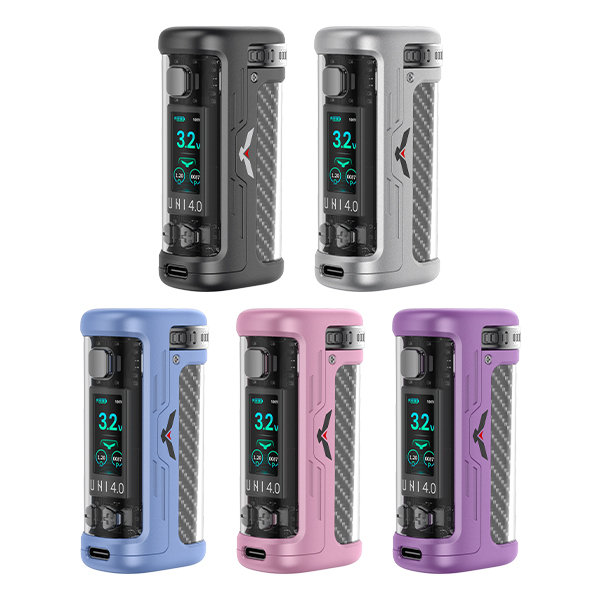
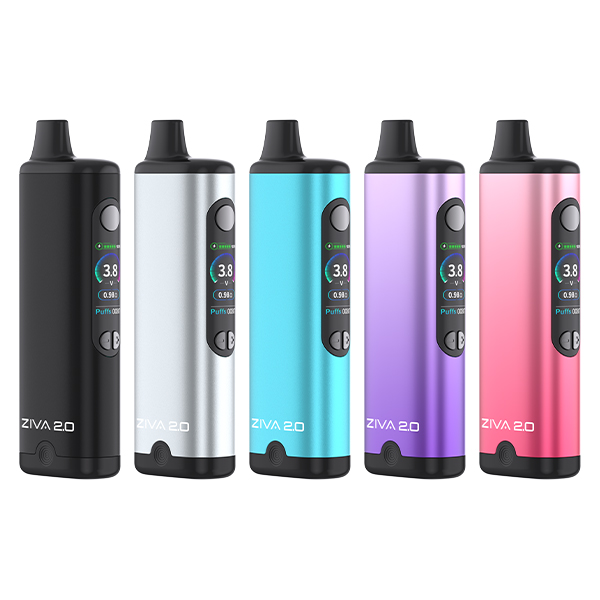
Comparing Two Practical Options: Yocan UNI 4.0 and Yocan ZIVA 2.0
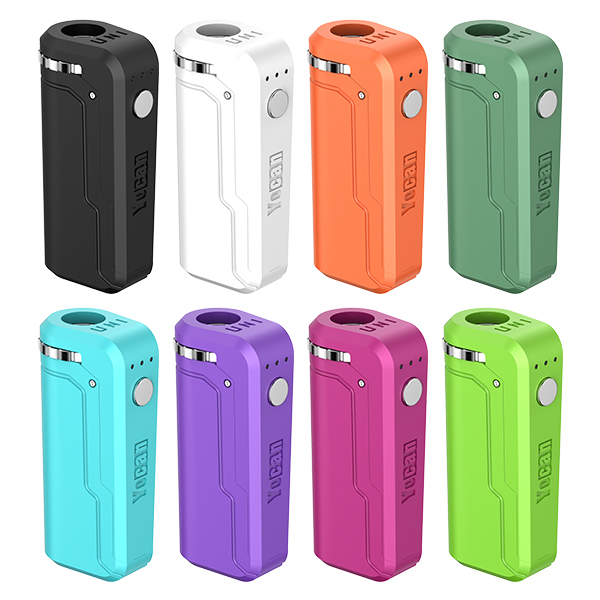
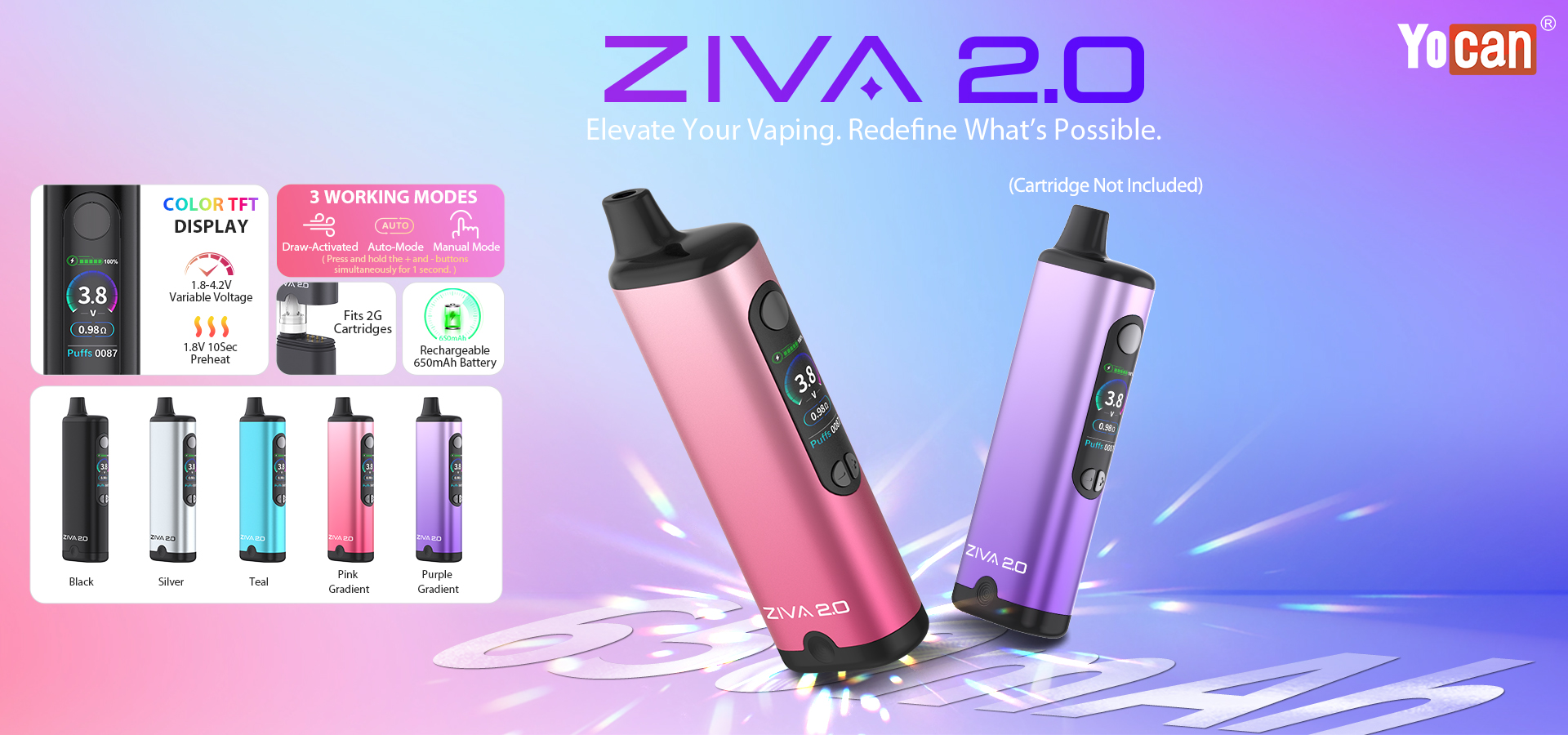
To see how the specifications discussed above translate into real-world devices, it helps to look at concrete examples. The Yocan UNI 4.0 and Yocan ZIVA 2.0 are two cart batteries that share several core specs but differ in form factor, cartridge fit, and usage modes. Both use a 510-thread magnetic connection, offer a 1.8V–4.2V adjustable voltage range, and include a 650mAh battery with Type-C charging. Neither supports fast charging, and both take about one hour to fully charge.
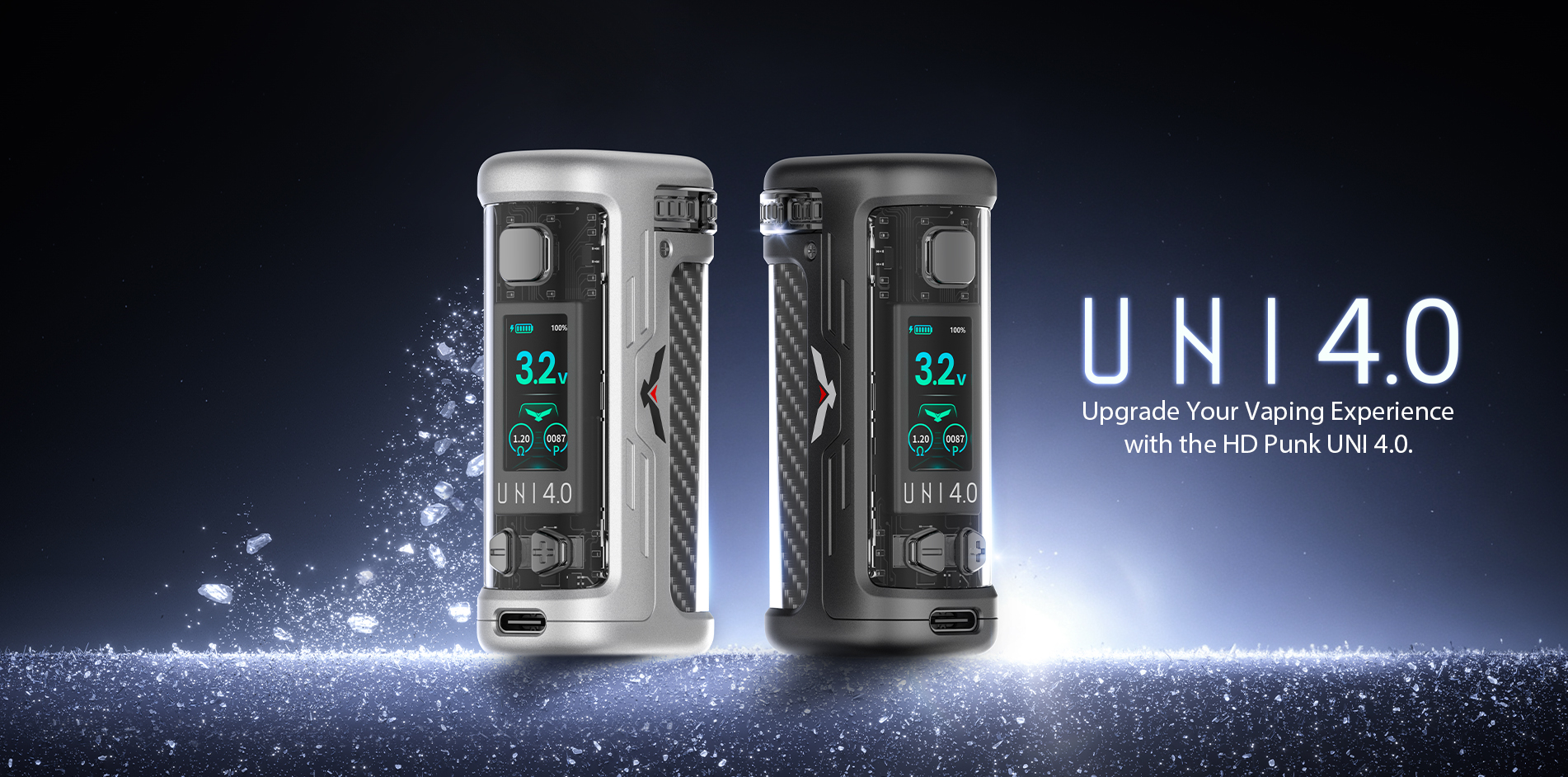
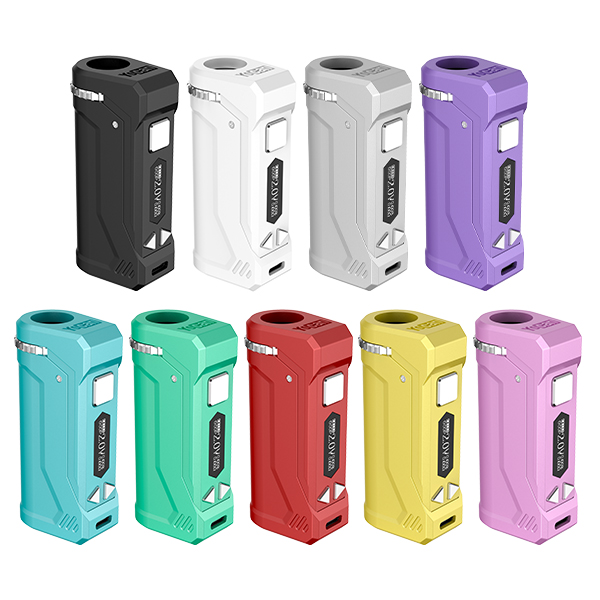
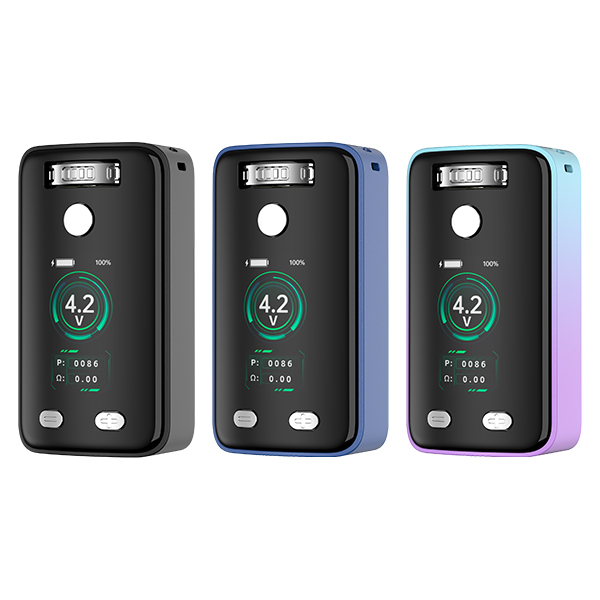
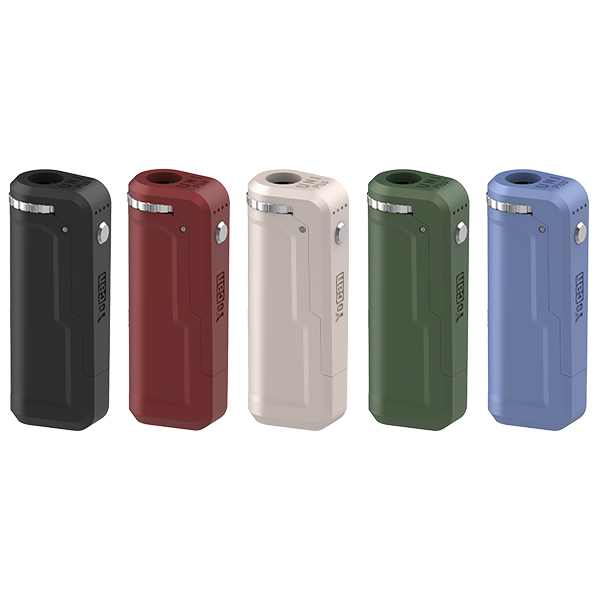
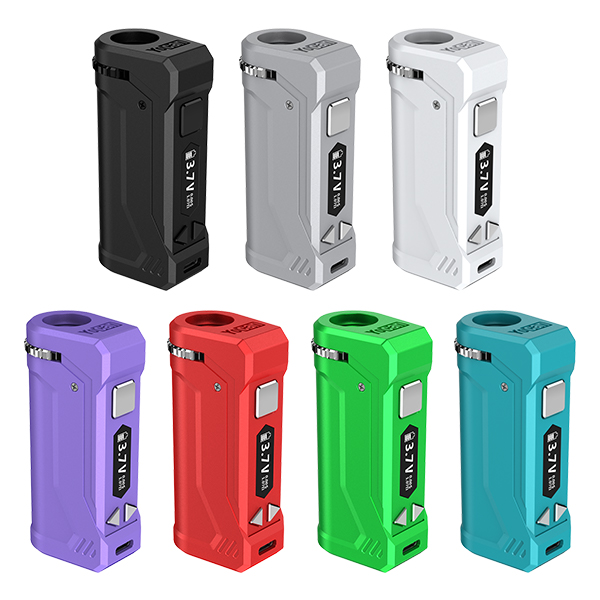
Yocan UNI 4.0 is designed for flexibility in cartridge size. It supports cartridges with a diameter range of 8–14mm and an adjustable height of ≥42mm, using a height adjustment button and a diameter adjustment dial. This makes it a good fit if you use different cartridges and want a secure, customizable hold. The device has a 1.26-inch TFT screen, a preheat mode that runs at 1.8V for 10 seconds, and a 15-second safety cut-off. It also includes a puff counter that can be reset. Charging is handled via a Type-C port with a 5V/1.0A input rating.
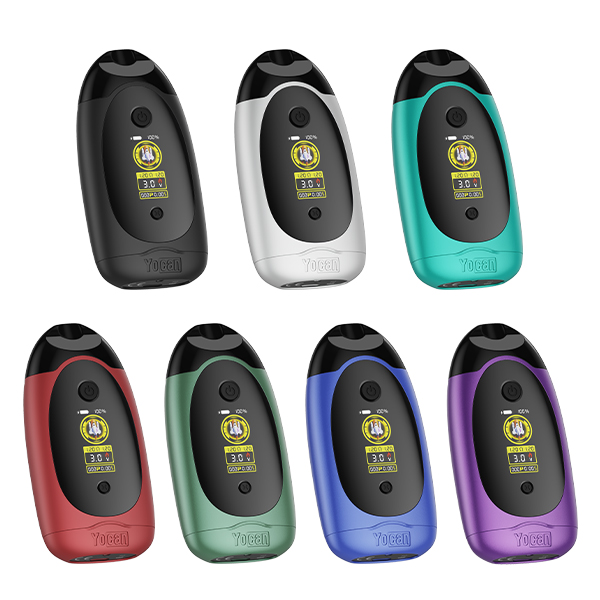
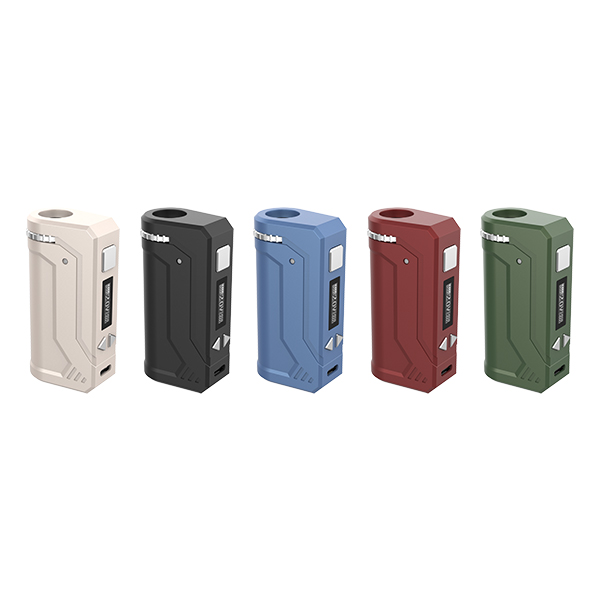
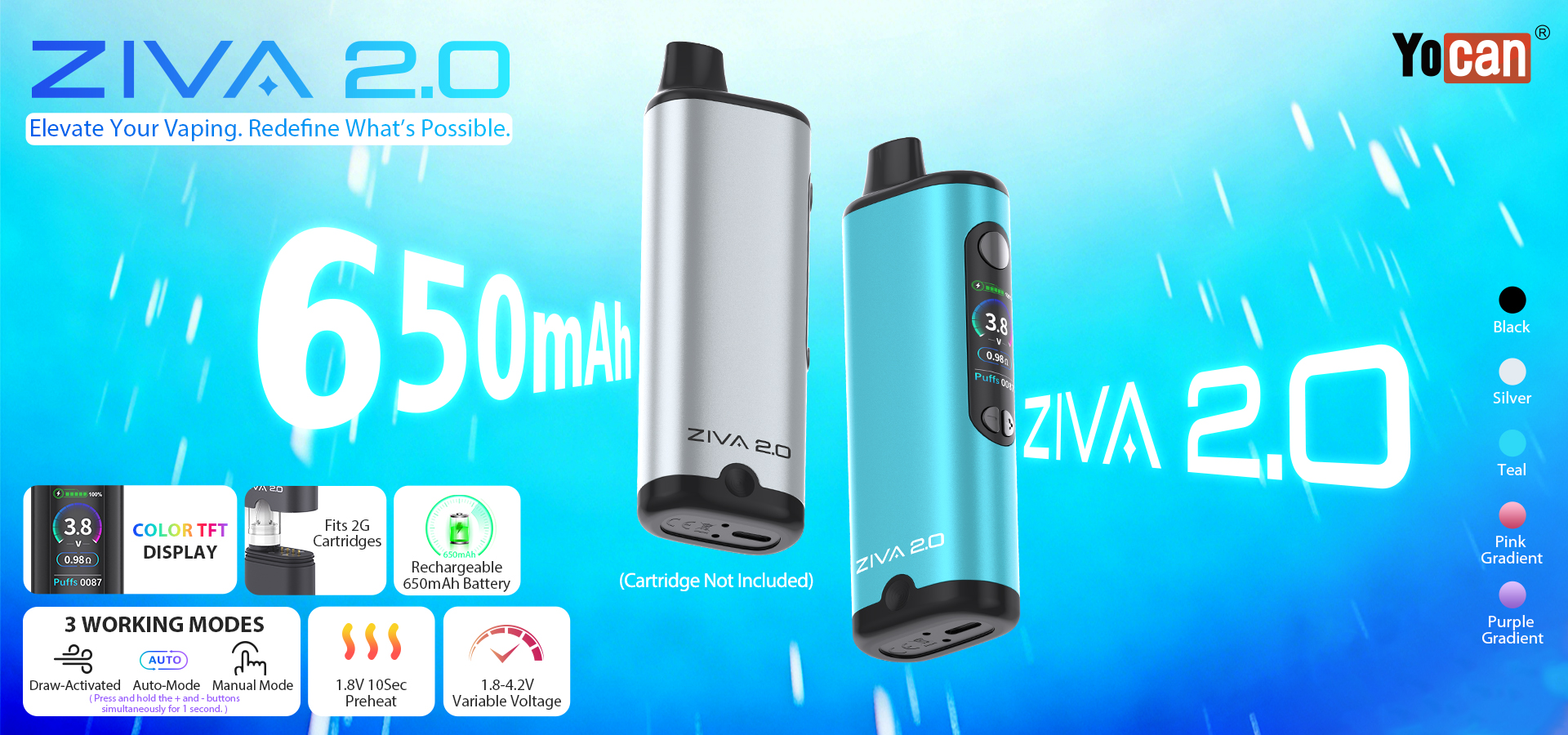
Yocan ZIVA 2.0 takes a different approach: it is a draw-activated, auto-mode, and manual-mode device with a built-in magnetic connection base. It fits 1G and 2G cartridges and has a fixed cartridge connection rather than an adjustable height mechanism. The ZIVA 2.0 also offers a 1.8V 10-second preheat, a 1.26-inch color TFT display, and a 15-second safety cut-off. Its draw-activated mode has a shorter 9-second cut-off, while auto and manual modes allow up to 15 seconds. Like the UNI 4.0, it charges via Type-C (5V/1A) and takes about an hour.
When choosing between them, consider your cartridge collection and preferred vaping style. The UNI 4.0 is more adaptable to different cartridge dimensions, while the ZIVA 2.0 is simpler to use if you prefer draw activation and a more integrated, pocket-friendly shape. Both devices include short-circuit protection and a clear display, but as the buying guide above notes, the real question is which specifications and features actually matter for your daily use.
Extra Features: Display, Preheat, and Safety Protection
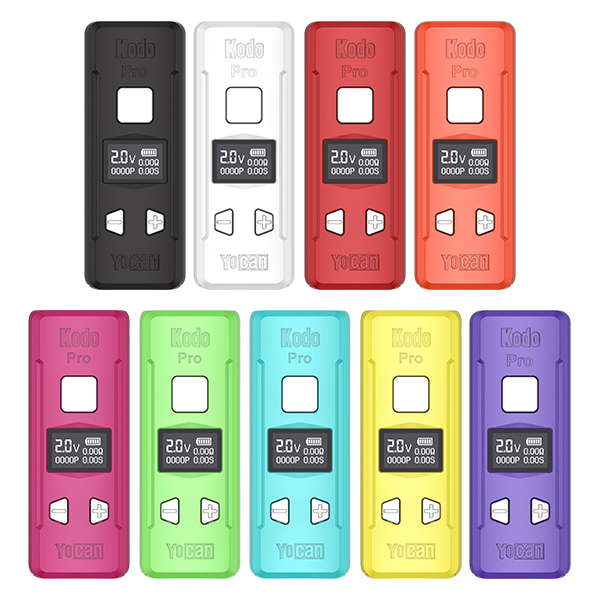
Beyond the main electrical specifications, additional features can influence how a cart battery operates and how easily users can understand its status. A display may show information such as battery level, selected settings, or device status, depending on the model. This can make certain specifications easier to check without referring to a separate manual.
Some devices also include a preheat function. Its availability and operation vary by model, so it is worth checking the product description if this feature matters to you. Safety features are another consideration. Depending on the design, a cart battery may include protections such as an automatic cutoff or short-circuit protection. These functions are not universal, and their exact behavior should be confirmed in the manufacturer’s documentation.
Rather than counting the number of advertised features , consider which functions are actually useful to you. A clear display, suitable adjustment options, and documented protection features may be more relevant than a long list of specifications without explanation.