

 Sample
 Yocan® U.S.A. Official Store
 Yocan® Canada Official Store
 Yocan Black® Official Store

Yocan Manuals Download
Which Yocan product manual need help with? We also have more user manuals for Yocan sub-brands.
.


Yocan Vane 2 FAQs
Set up
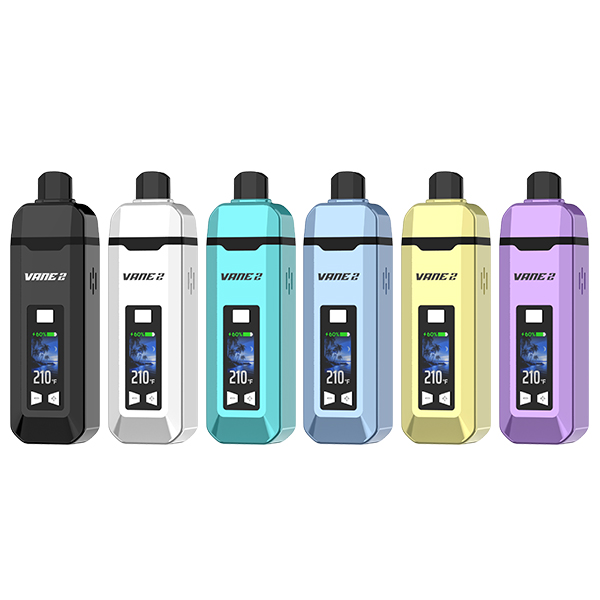
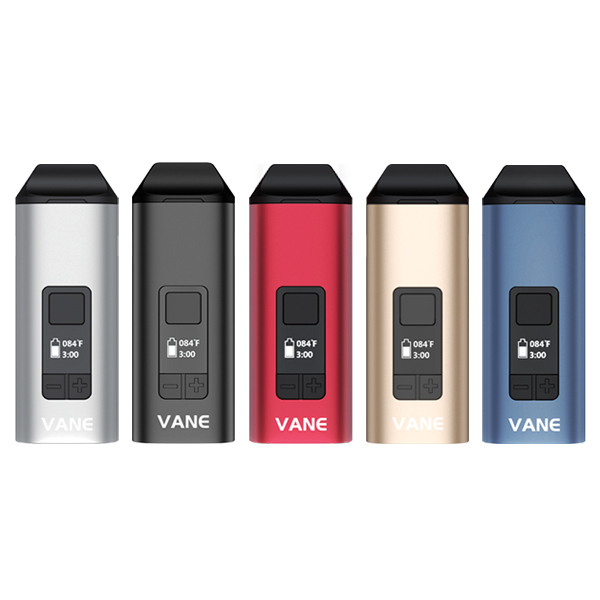
How to use the Yocan Vane 2?
- Power On/Off: Press power button 5 times.
- Set Temp: Use + / − buttons.
- Start Heating: Hold power button 2 seconds. Vibrates twice when ready. Adjust temp anytime.
- After Use: Press power 5 times to turn off. Let cool, then clean residue.
How to charge the Yocan Vane 2?
Connect the included Type-C cable to a power socket and the Vane 2 to start charging.
Why is the vapor production low with my Yocan Vane 2?
- Don’t pack the chamber too full.
- Clean debris regularly.
Maintain
How to clean the Yocan Vane 2?
Brush the chamber, swab with alcohol, soak the mouthpiece if needed, and dry completely before use.
What temperature should I use with Vane 2?
- Low (200°F – 320°F): Best for flavor, gentle vapor, and beginners.
- Medium (320°F – 400°F): Balanced flavor and vapor, ideal for daily use.
- High (400°F – 480°F): Dense vapor and strong hits, for experienced users.
Set up
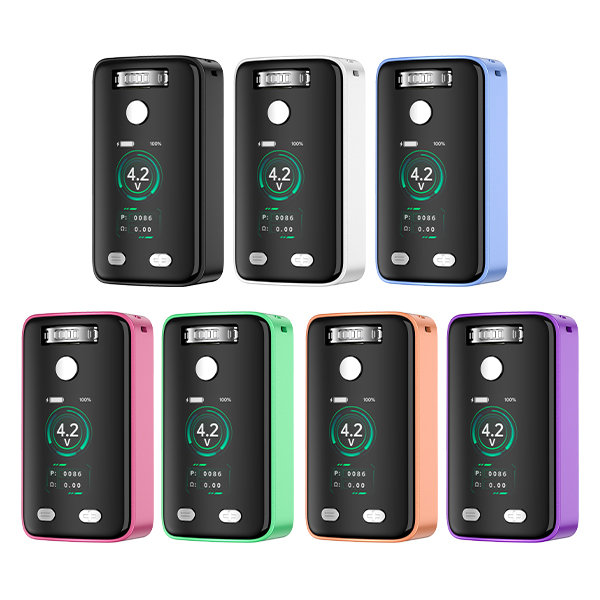
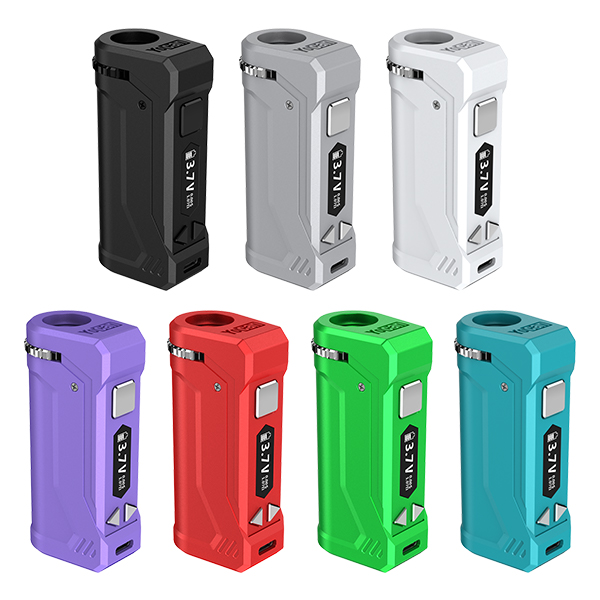
How to use the Yocan Ziva Pro?
- Lightly touch the power button on the screen 5 times to turn on the device. Note: touch, not click.
- After powering on, touch the power button again within 2 seconds to unlock the lock icon on the screen.
- Then touch the power button 3 times to adjust voltage, etc.
How to Enable the Preheat Function on the Yocan Ziva Pro
A 10-second countdown will appear on the screen. We recommend waiting until it ends before taking a puff, so the e-liquid can fully melt for smoother vapor. To stop preheating early, double-tap the power button again.
How do I reset the counter on the Yocan Ziva Pro?
Quickly press the power button 7 times
Maintain
How to clean the Yocan Ziva Pro?
1. Press the power button 5 times to turn off the device, then remove the 510 cartridge.
2. Use a cotton swab dipped in a small amount of alcohol to clean the connection points, and wipe the body of the device with a soft cotton cloth.
3. Wait for the device to dry completely before reinstalling and using it.
The Yocan Ziva Pro displays the message “over time”?
The device has triggered timeout protection to prevent overheating or dry burning from prolonged heating. Release the power button, wait for the device to reset, then take a puff again.
Support
Can I download the yocan Ziva Pro manual pdf file?
Click: Yocan Ziva Pro User Manual to download
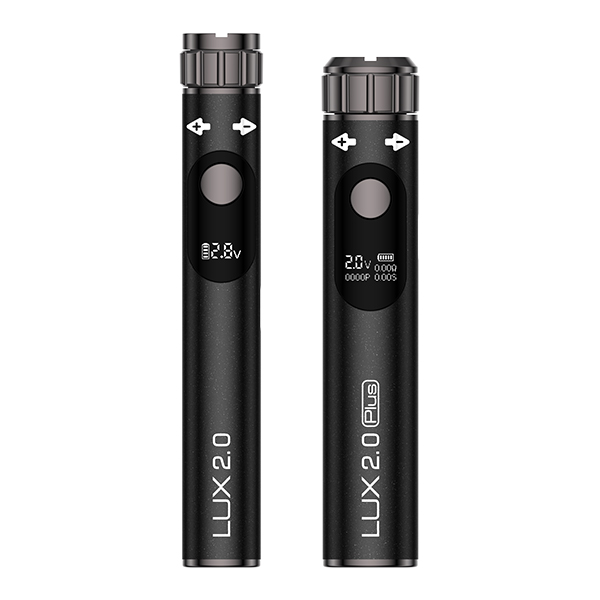
What are the differences between the Yocan Ziva 2.0 and the Yocan Ziva Pro?
More compact: Smaller and lighter, easy to hold with one hand, and discreet.
Easy to use: Added “+” and “-” buttons for voltage adjustment, making it easy to increase or decrease voltage directly—even for beginners.
Three vaping modes: Choose from “draw-activated,” “manual (button),” or “auto mode.” This versatility adapts to different oil thicknesses and personal preferences.
Compatible with 1g–2g cartridges: Works with most 510 carts up to 2g, 14mm wide, and under 60mm high (excluding electrode height).
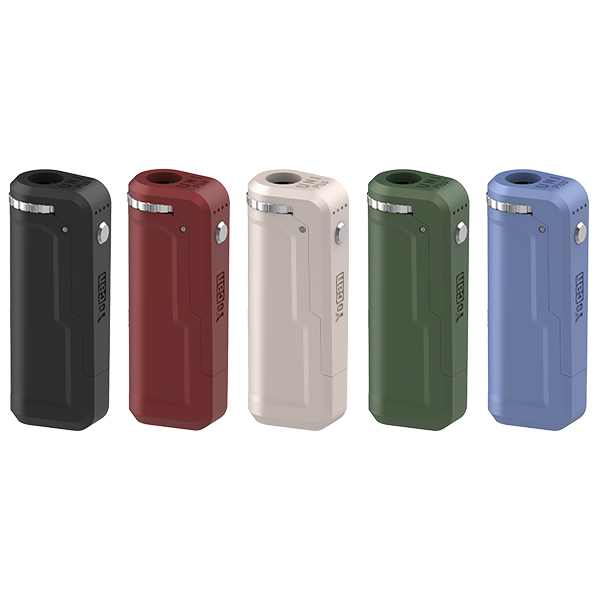
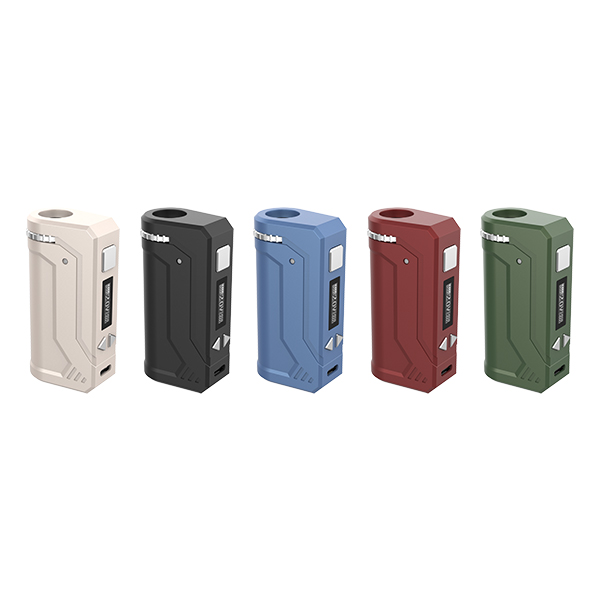
Yocan Uni Series FAQs
Set up
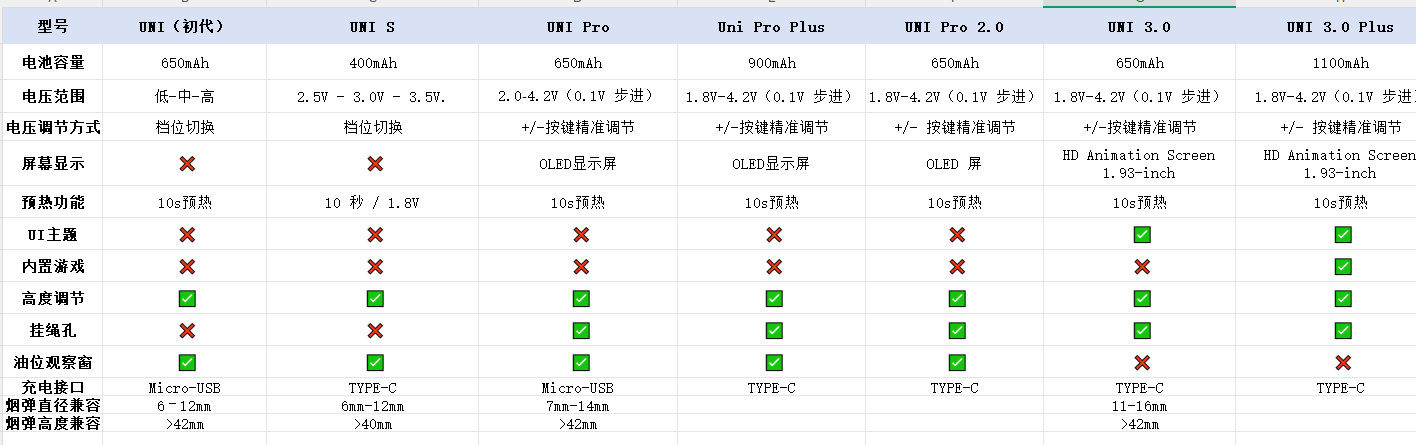
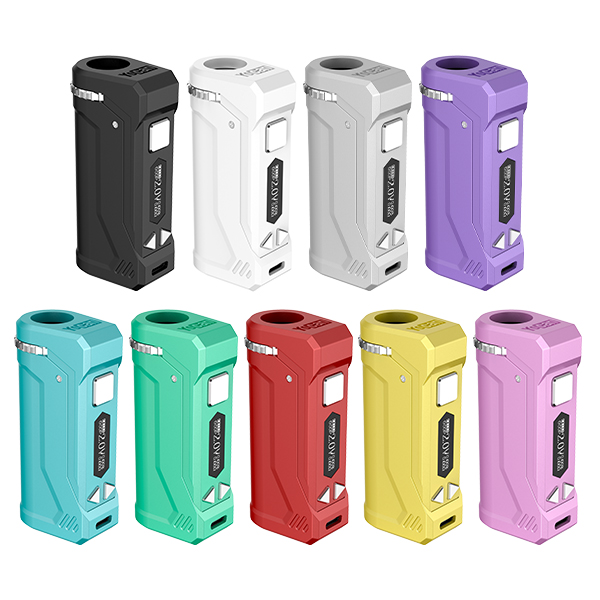
How can I tell if the Yocan Uni is fully charged?
- You can charge the battery using the cable included in the package. While the battery is charging, the indicator light remains on.
- it takes about 1 hour to fully charge the battery. Once fully charged, the indicator light flashes 8 times and then turns off automatically.
Why does the Yocan Uni 3.0 display a “short circuit” error?
- Check that the cart is properly connected to the magnetic ring.
- Do not overtighten or leave it too loose.
- Clean the connection points with a cotton swab dipped in alcohol.
- Try a different cart to see if the issue is resolved.
How do I reset the puff counter on the Uni Pro?
Press and hold the power button and the “-” button at the same time.
How do I exit game mode on the Uni 3.0 Plus?
You can either leave it alone, or quickly finish the current game round and it will return to the main screen. Then you can start vaping.
Yocan Uni Pro 2.0 Clogging Solutions
- Preheat, then take a few light pulls to clear excess vapor.
- Keep the device upright when not in use.
- Use lower voltage/wattage.
- Take shorter, more frequent puffs instead of long draws, as long heating can cause leaks and clogs.
Maintain
How to clean the Yocan Uni Series?
1. Press the power button 5 times to turn off the device, then remove the 510 cartridge.
2. Use a cotton swab dipped in a small amount of alcohol to clean the connection points, and wipe the body of the device with a soft cotton cloth.
3. Wait for the device to dry completely before reinstalling and using it.