

 Sample
 Yocan® U.S.A. Official Store
 Yocan® Canada Official Store
 Yocan Black® Official Store
Industry News, News
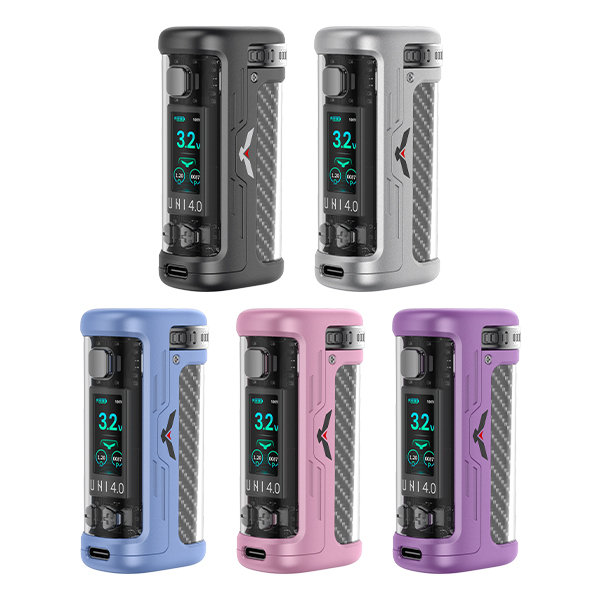
Yocan UNI 4.0 vs. Yocan UNI 3.0: Which One Is Right for You?
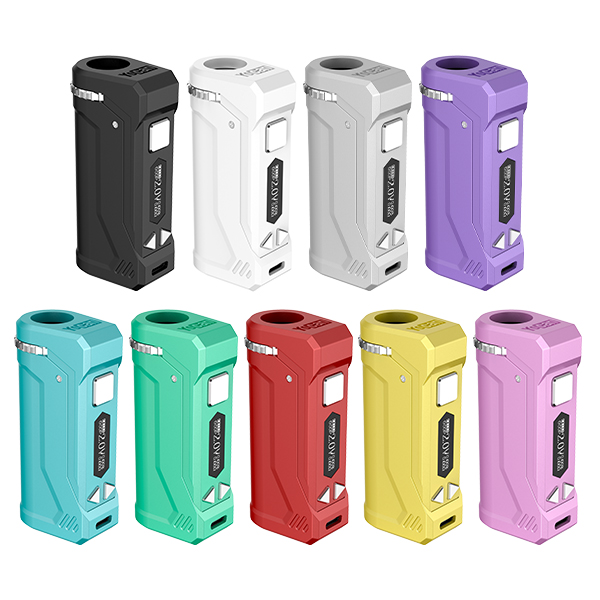
If you’re looking for a portable 510thread battery, the Yocan UNI series is likely on your radar. The Yocan UNI 3.0 and the newer Yocan UNI 4.0 are both available, but what exactly has changed between these two generations? More importantly, which one is the better fit for your needs?
Both devices feature the same 650mAh battery, the same 1.8V–4.2V voltage range, and the same 15second safety cutoff. However, there are some important differences, including body size, screen size, cartridge compatibility, voltage adjustment, and charging behavior. In this article, we’ll compare the two devices side by side to help you find the one that best fits your preferences.
Key Differences That Matter
Size and Portability
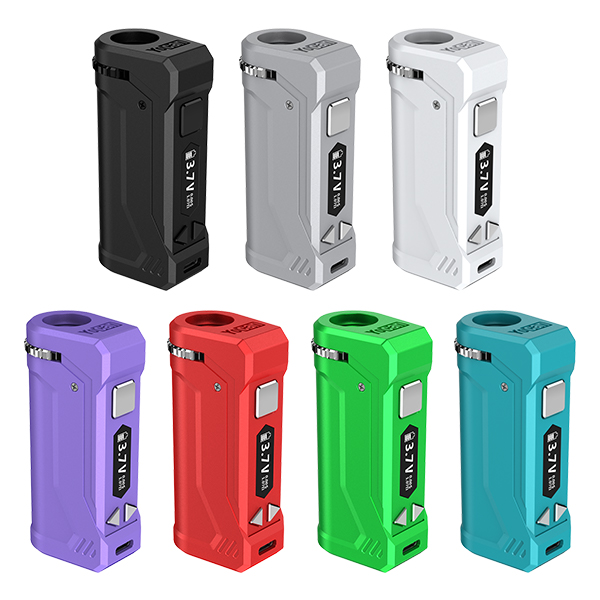
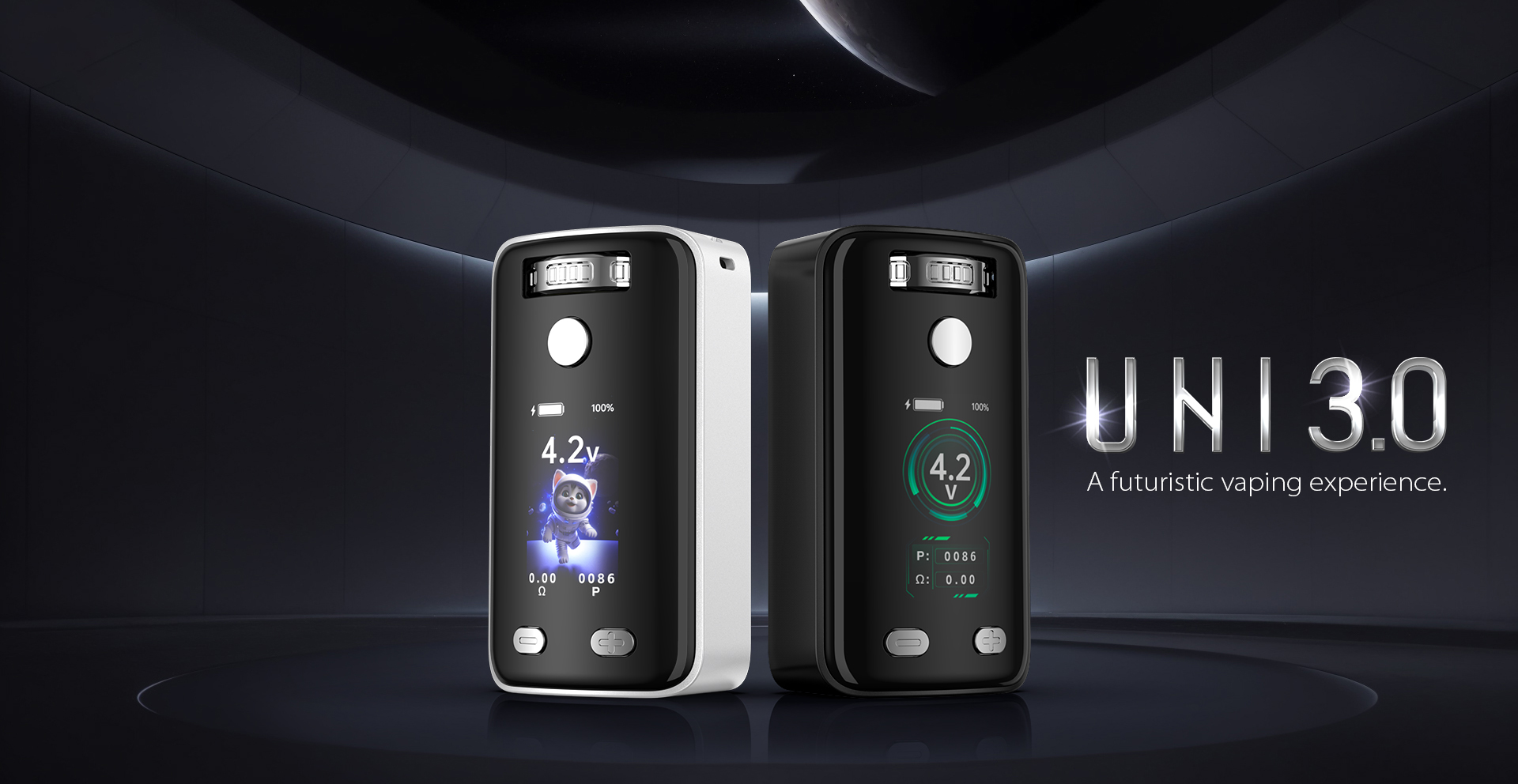
- Yocan UNI 3.0: With a width of 42mm, the UNI 3.0 has a slightly bulkier feel in the hand.
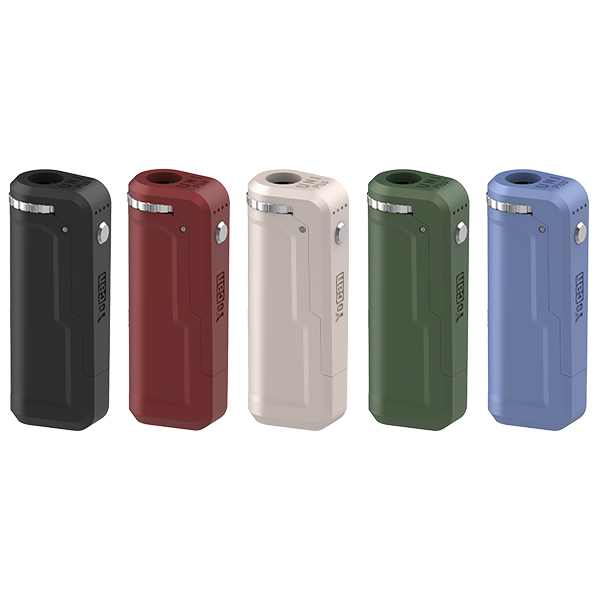
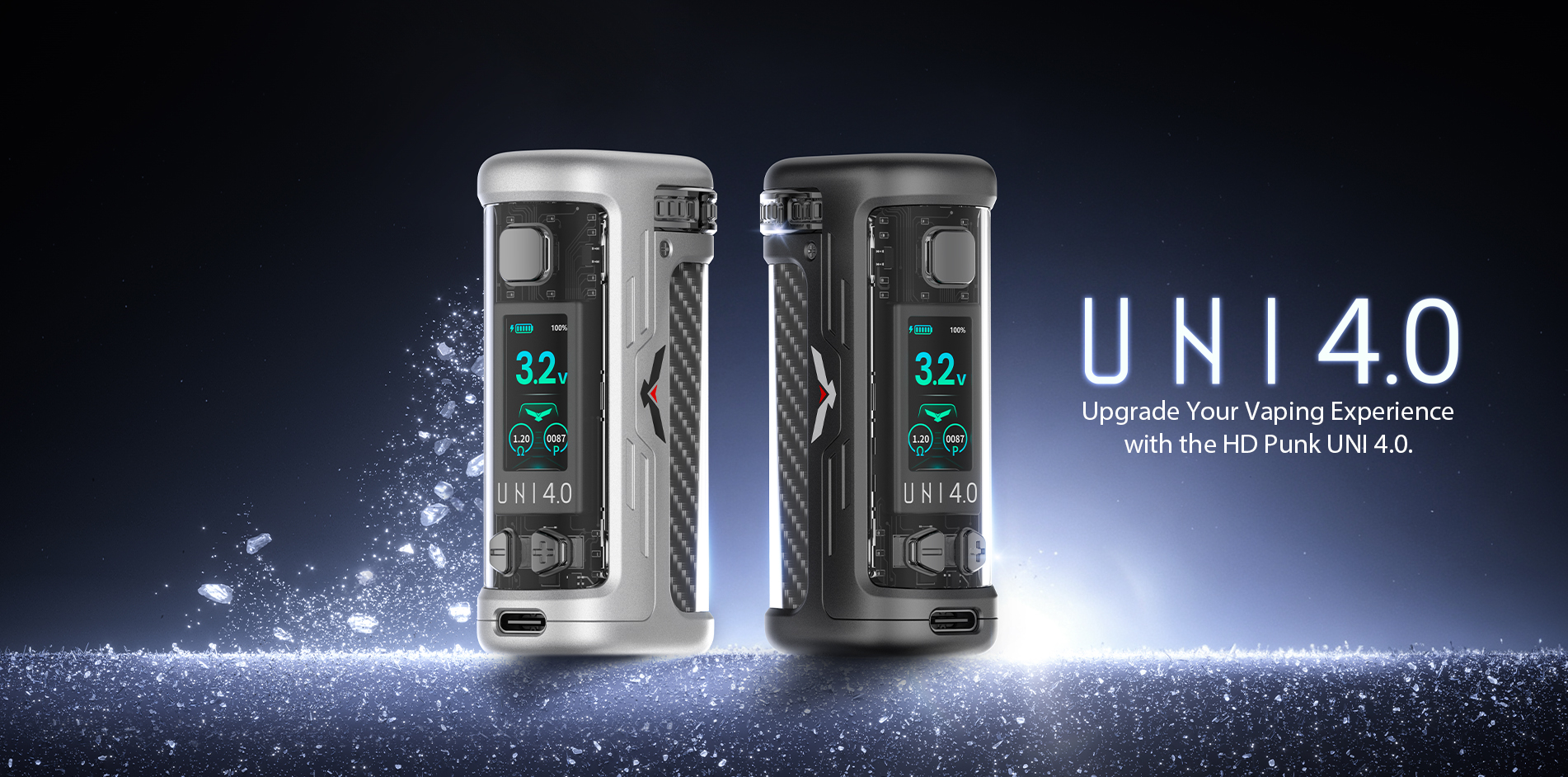
- Yocan UNI 4.0: The width has been reduced to 28mm, giving the UNI 4.0 a noticeably slimmer profile that’s easier to carry in your pocket.
Bottom line: If portability is your priority, the UNI 4.0 offers a more compact design.
Screen and Interface: It Depends on Your Preference
- Yocan UNI 3.0: The UNI 3.0 features a 1.93inch HD animated display with three different UI options. It’s designed to be fun, visually engaging, and customizable.
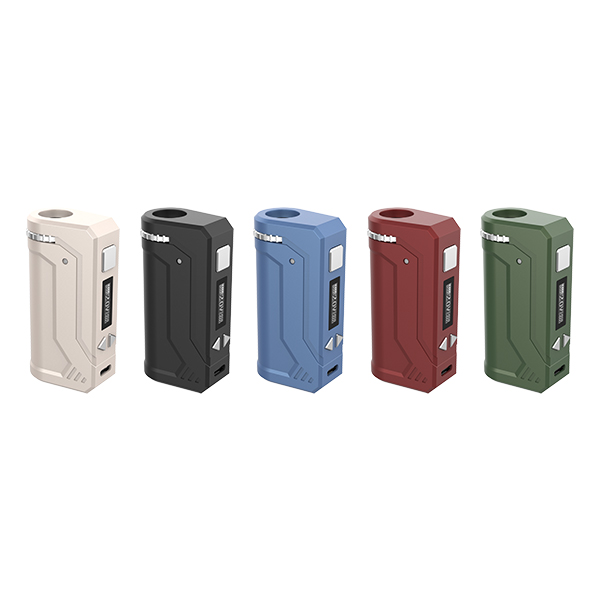
- Yocan UNI 4.0: The UNI 4.0 uses a smaller 1.26inch TFT display with a more streamlined interface. It clearly shows the voltage, puff count, preheat countdown, and battery level. It also features a screen sleep function that automatically turns the display off after 10 seconds of inactivity to help conserve battery power.
Bottom line: Prefer a larger, more dynamic display? The UNI 3.0 may be a better fit. Prefer a cleaner and more straightforward interface? The UNI 4.0 keeps things simple and functional.
Cartridge Compatibility
- Yocan UNI 3.0: Compatible with cartridges ranging from 11mm to 16mm in diameter, making it suitable for standardsize cartridges.
- Yocan UNI 4.0: Supports cartridges from 8mm to 14mm in diameter, allowing it to accommodate slimmer cartridges that the UNI 3.0 cannot support.
Bottom line: If you use slimmer cartridges, the UNI 4.0 gives you more compatibility options. For standard or larger cartridges, both devices can be suitable depending on the cartridge size.
Voltage Adjustment
- Yocan UNI 3.0: Use the +/ buttons to adjust the voltage.
- Yocan UNI 4.0: Use the +/ buttons to adjust the voltage in 0.1V increments across the 1.8V–4.2V range. You can also press and hold the +/ buttons for faster adjustment.
Bottom line: The UNI 4.0 provides more precise voltage control and makes it faster to move through the available settings.
Preheat Mode
- Yocan UNI 3.0: Doubleclick the power button to activate a 10second preheat at 1.8V.
- Yocan UNI 4.0: It also features a 10second preheat at 1.8V, but the display shows a countdown while preheating. You can doubleclick the power button again to stop the preheat early.
Bottom line: The countdown on the UNI 4.0 makes the preheat process easier to track.
Charging and Battery Performance
Both devices feature a 650mAh battery, support USBC charging, and take approximately one hour to fully charge.
The main difference is how the UNI 4.0 handles charging. While charging, vaping and preheat functions are disabled, but you can still adjust the voltage and reset the puff count. The screen automatically turns off after five minutes when the voltage reaches 4.15V, and charging is completed when the voltage reaches 4.2V.
Yocan UNI 3.0: The UNI 3.0 uses a battery indicator light, which turns off when the device is fully charged. It also does not support fast charging.
Bottom line: The UNI 4.0 provides a more refined charging experience with additional chargingrelated controls.
Additional Features
- Yocan UNI 4.0: Adds a quick puffcount reset function by pressing and holding the power button and the “” button simultaneously. It also features an automatic screen sleep function.
- Yocan UNI 3.0: Offers three different UI modes. Press the power button three times to enter the UI selection menu, use the +/ buttons to select a mode, and press the power button to confirm. This customization option is not available on the UNI 4.0.
Which One Should You Choose?
Consider the Yocan UNI 4.0 if:
- You use slimmer cartridges ranging from 8mm to 14mm.
- You want a slimmer and more portable device.
- You prefer precise 0.1V voltage adjustments and faster voltage control.
- You value a more streamlined charging experience and screen sleep function.
- You want a preheat countdown and a quick puffcount reset function.
Consider the Yocan UNI 3.0 if:
- You prefer a larger display with animated UI options.
- You like having three different UI modes to choose from.
- Your cartridge diameter is between 11mm and 16mm.
Final Thoughts
The Yocan UNI 4.0 isn’t a complete redesign of the UNI 3.0. Instead, it focuses on refining the overall experience. It trades the larger animated display for a slimmer body, broader compatibility with slimmer cartridges, more precise voltage control, and a more streamlined charging system.
If you want a practical and portable device with a streamlined interface, the UNI 4.0 offers several meaningful upgrades. If you prefer the UNI 3.0’s larger screen and customizable UI options, the UNI 3.0 still has features that may better match your preferences.
Explore the Yocan UNI series to find the device that fits your setup and preferences.