

 Sample
 Yocan® U.S.A. Official Store
 Yocan® Canada Official Store
 Yocan Black® Official Store
Industry News, News
How to Use the Yocan Hito Series?
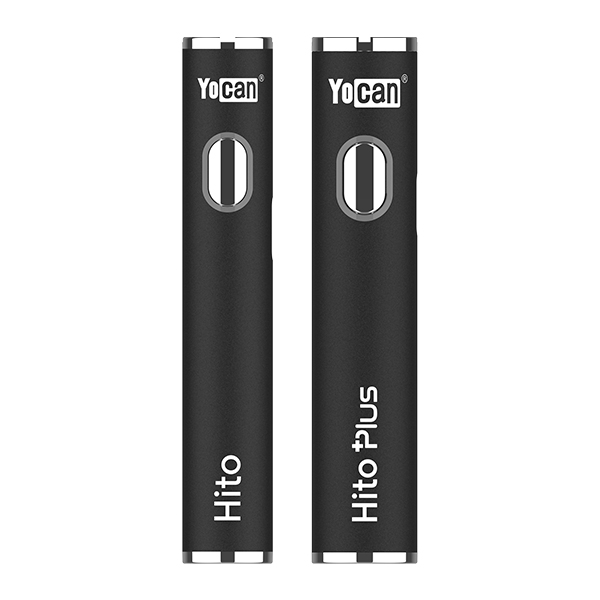
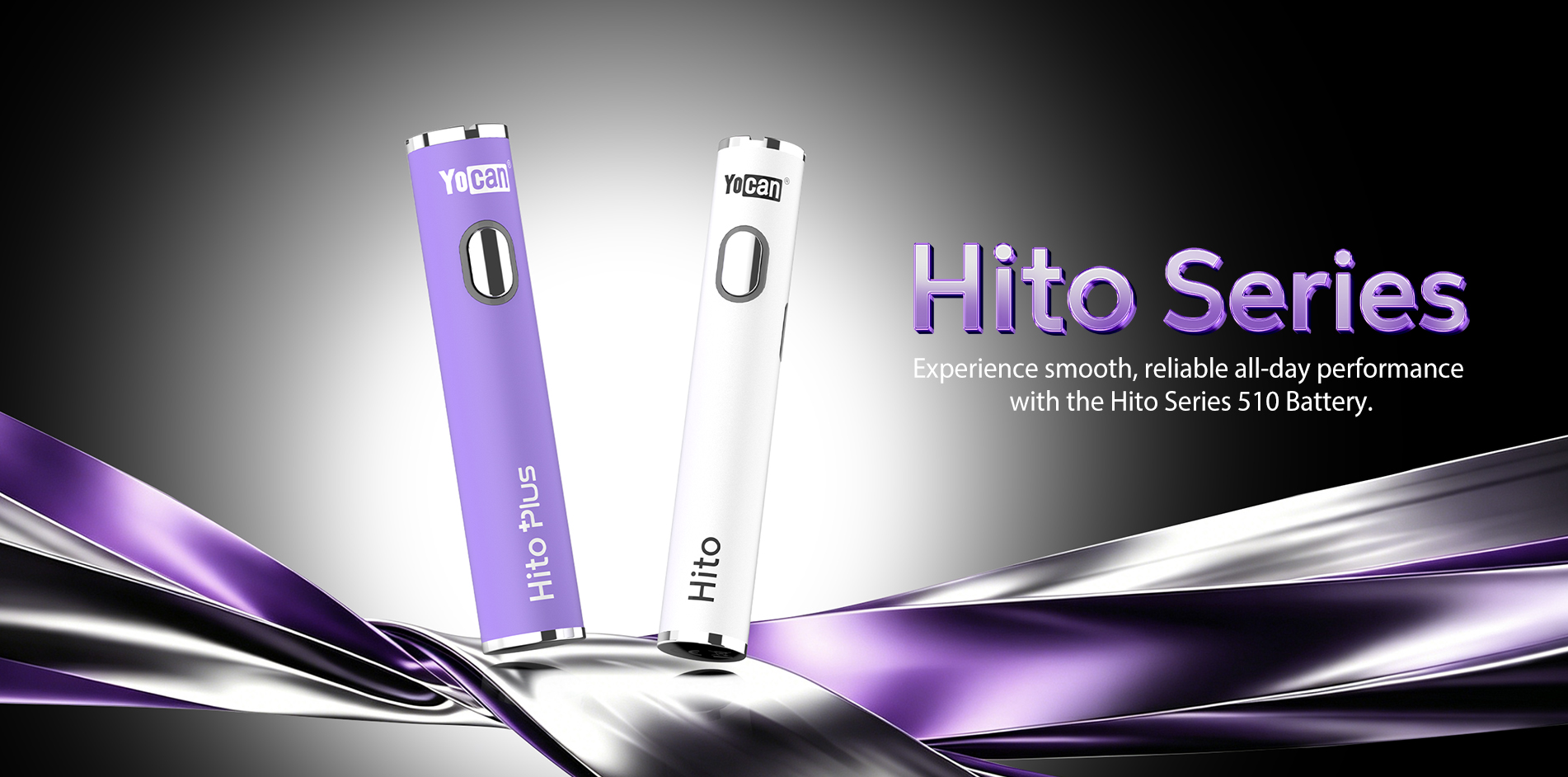
Hey everyone. The Yocan Hito Series of 510-thread batteries stands out from the crowd with its compact, portable design, built specifically to power standard vape cartridges. This lineup includes two models—the standard Hito and the larger-capacity Hito Plus—both designed to power standard 510-thread cartridges and feature simple one-button operation. It offers a simple and reliable vaping experience for users who value portability and convenience. The streamlined metal body feels comfortable in your hand, blending minimalist style with realworld practicality and good looks. This guide will walk you through how to use the Yocan Hito Series the right way, and we’ll cover some common questions based on user feedback along the way.
The Yocan Hito Series provides reliable power and consistent performance for compatible 510-thread cartridges.
Yocan Hito Series Features and Benefits
Two Models to Fit Your Style: Go with the standard Hito and its 260mAh battery, or grab the Hito Plus with a bigger 500mAh battery for longer sessions. Both are made for 510-thread cartridges.
Three Voltage Settings: Dial in your perfect vape with adjustable voltage options:
- Green Light: 2.8V
- Blue Light: 3.2V
- Red Light: 3.6V
Smart Preheat Mode: Doubleclick the power button to fire up the 1.8V preheat function for 10 seconds—great for warming things up or clearing a clogged cart. Easy, OneHanded Operation: Intuitive controls make it simple to use on the go.
Fast TypeC Charging: Both models come with a 5V/1A TypeC port. The Hito charges up in 0.75 hours, while the Hito Plus takes about 1.0 hour.
How to Use the Yocan Hito Series
Attach Your Cart: Just screw your 510-thread cartridge onto the battery.
Power On/Off: Quickly press the power button five times within 2 seconds to turn the device on or off.
Activate Preheat: Doubleclick the power button to start the 1.8V, 10second preheat cycle.
Adjust Voltage: Tripleclick the power button to cycle through the three voltage levels.
Vape: Press and hold the power button to fire up the battery and take your hit.
Charge It Up: Plug the device in using the TypeC port. Heads up—fast charging isn’t supported. The red battery light will turn off once it’s fully charged. The device also features an auto-shutoff function after 1 hour.
Important Safety and Usage Warnings
To keep yourself safe and make sure your device lasts, please follow these guidelines:
- Don’t expose the device to extreme temperatures.
- Don’t charge your battery in a vehicle.
- Don’t overcharge or leave it charging unattended. Never leave chargers connected and unattended near heat sources or flammable materials, as this may create a fire hazard.
- Don’t use the device while it’s charging.
- Don’t take the device apart or try to swap out the battery.
- Keep the device away from strong acids, alkalis, flammable materials, water, and other liquids. Do not leave the device in a hot vehicle. If the battery casing becomes damaged, discontinue use immediately and dispose of it according to local regulations.
Care and Maintenance
Wipe down the connection point and the outside of the device regularly with a dry paper towel. If your cartridge leaks, clean the 510-thread connection with a cotton swab dipped in isopropyl alcohol. Make sure it’s completely dry before you use it again.
For any after-sales support or assistance, please contact your direct seller or visit the official support page at: https://www.yocan.com/after-sale-support