

 Rewards



Industry News, News
How to use Yocan Kodo Pro
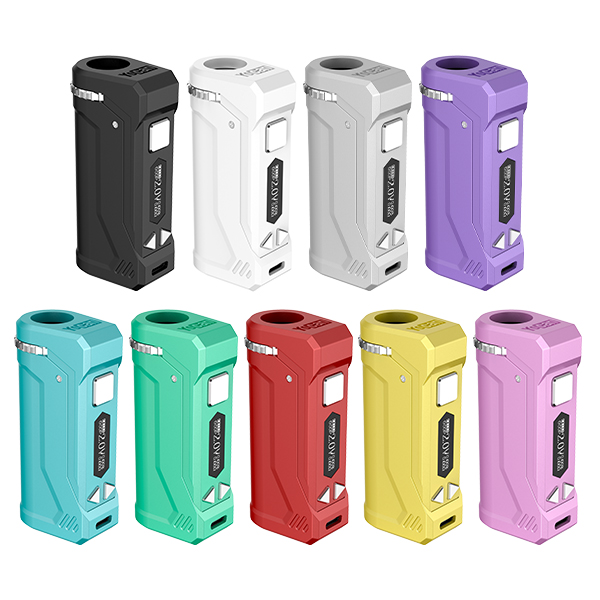
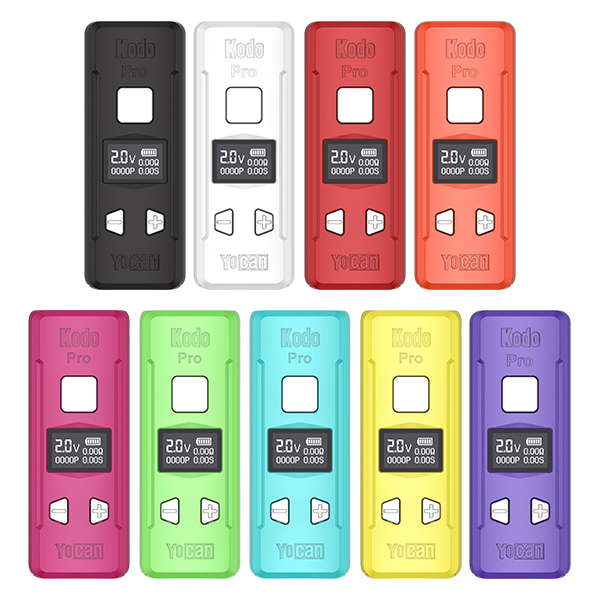
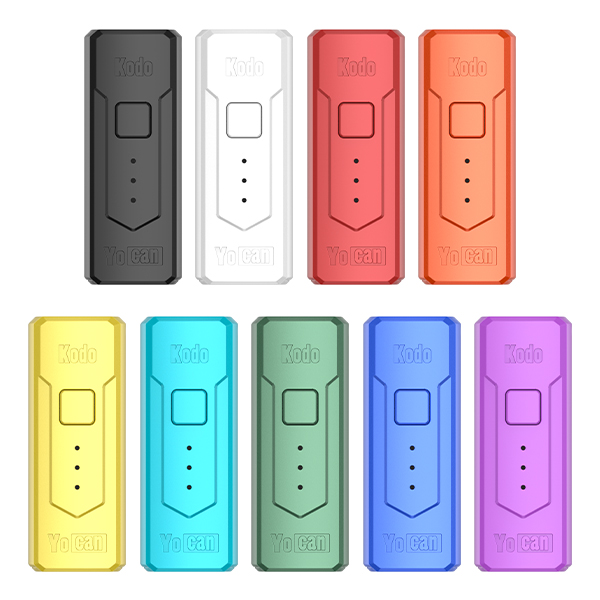
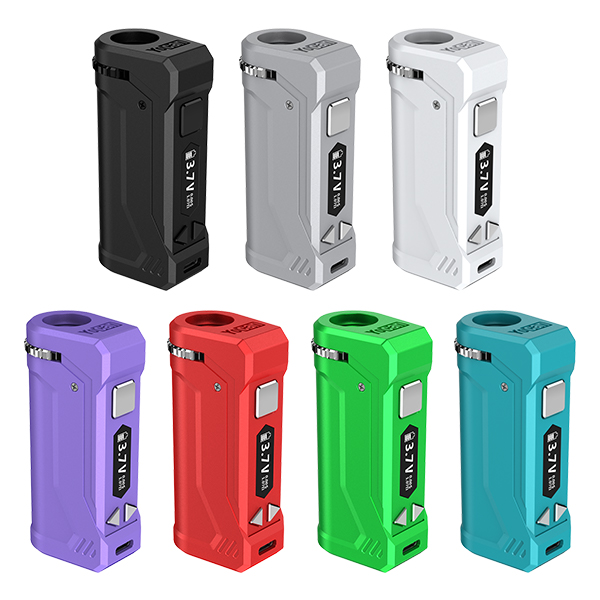
The Yocan Kodo Pro is a compact 510 screw-on battery designed for broad compatibility with 510 thread cartridges. As one of Yocan’s smallest batteries, it represents a significant upgrade over its predecessor, the original Yocan Kodo.
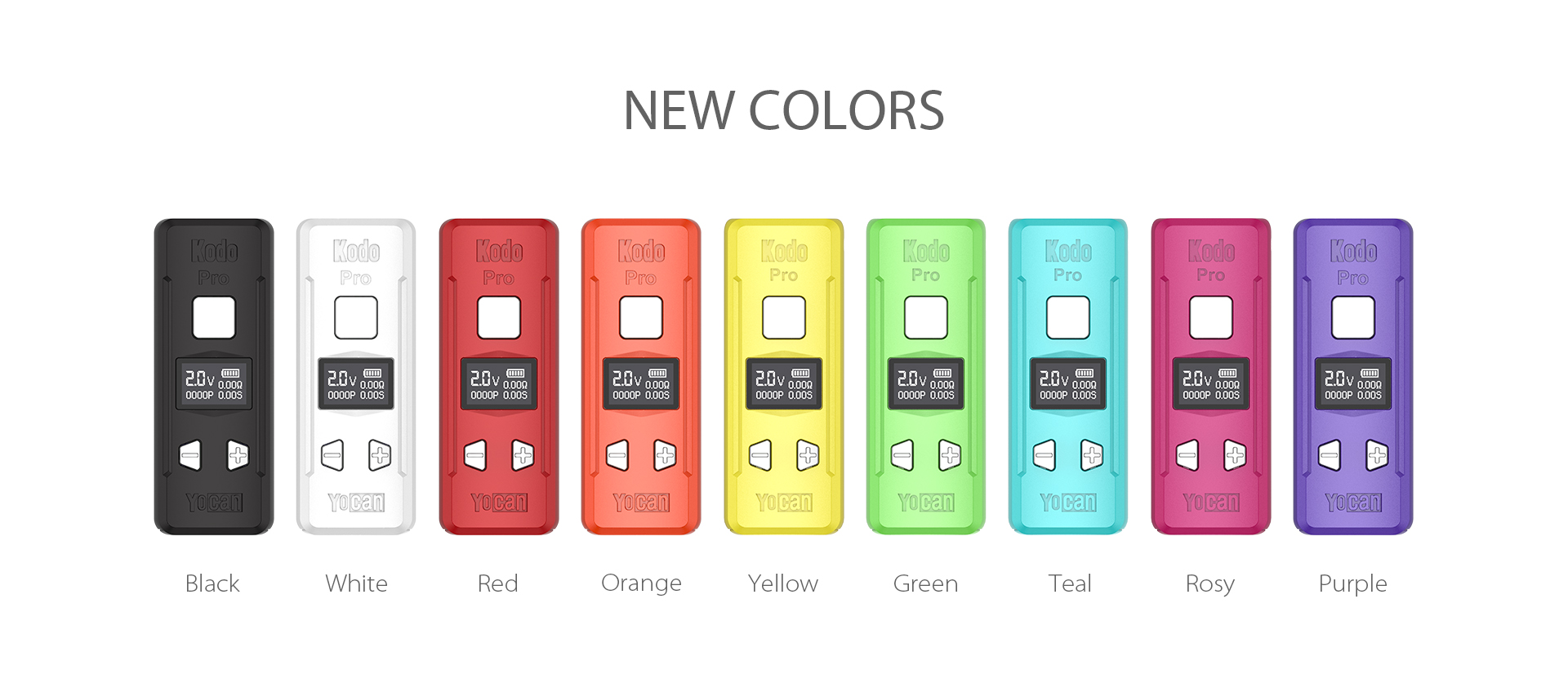
I will provide you with recommendations for the daily use and maintenance of Kodo Pro.
How to Turn On ?
Attach your 510 thread cartridge.
Quickly press the power button 5 times to activate the Yocan Kodo Pro.
Use the (+) and (-) buttons to adjust the voltage.
When ready to inhale, press the power button twice again to exit preheat mode. Hold the button down while inhaling.
How to Clean ?
- Gently clean the 510 threaded connection with a cotton swab.
- Use the same cotton swab to clean the metal contacts on refillable or pre-filled cartridges.
- If there is oil residue on the device, you can remove it with a dry cloth or paper towel.
How to Charge the Kodo Pro?
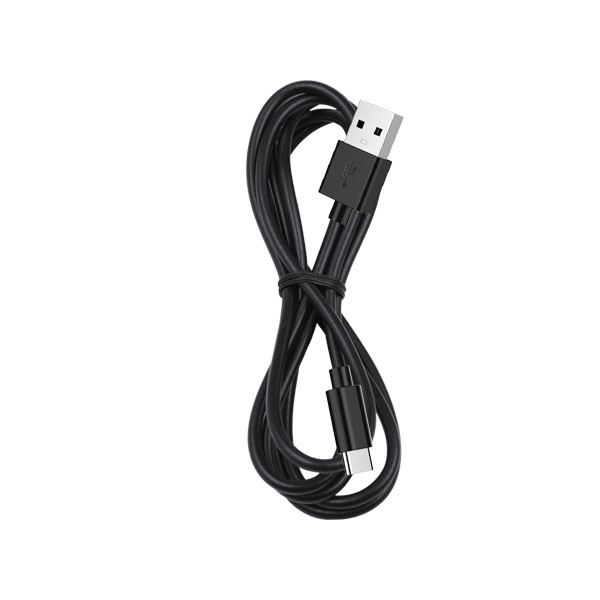
- Connect it to a compatible USB Type-C wall adapter,Use a compatible USB Type-C charging cable.
- Plug the USB Type-C connector into the Yocan Kodo Pro vaporizer and connect the wall charger to a wall outlet.
- Wait for the battery to charge.
My Yocan kodo pro will show the battery is charging but when unplugged there is no input at all on the screen. Help!
My friend, you might try replacing the charger and cable. Avoid using fast-charging chargers and cables. If that doesn’t work, please contact us.